Change a plan members are on
Create a second plan with the new conditions and move members to it on the 1st. The old plan stays as long as somebody holds it.
Once active contracts hang off a plan, changing its amounts is no longer a matter of editing a form. The clean route is a second plan with the new conditions and a scheduled change per member.
Name, description and display order can be changed at any time, even on a plan with members. None of that touches money.
- Open the plan and look at how many members hold it. Both interfaces show the number of active users above the form.
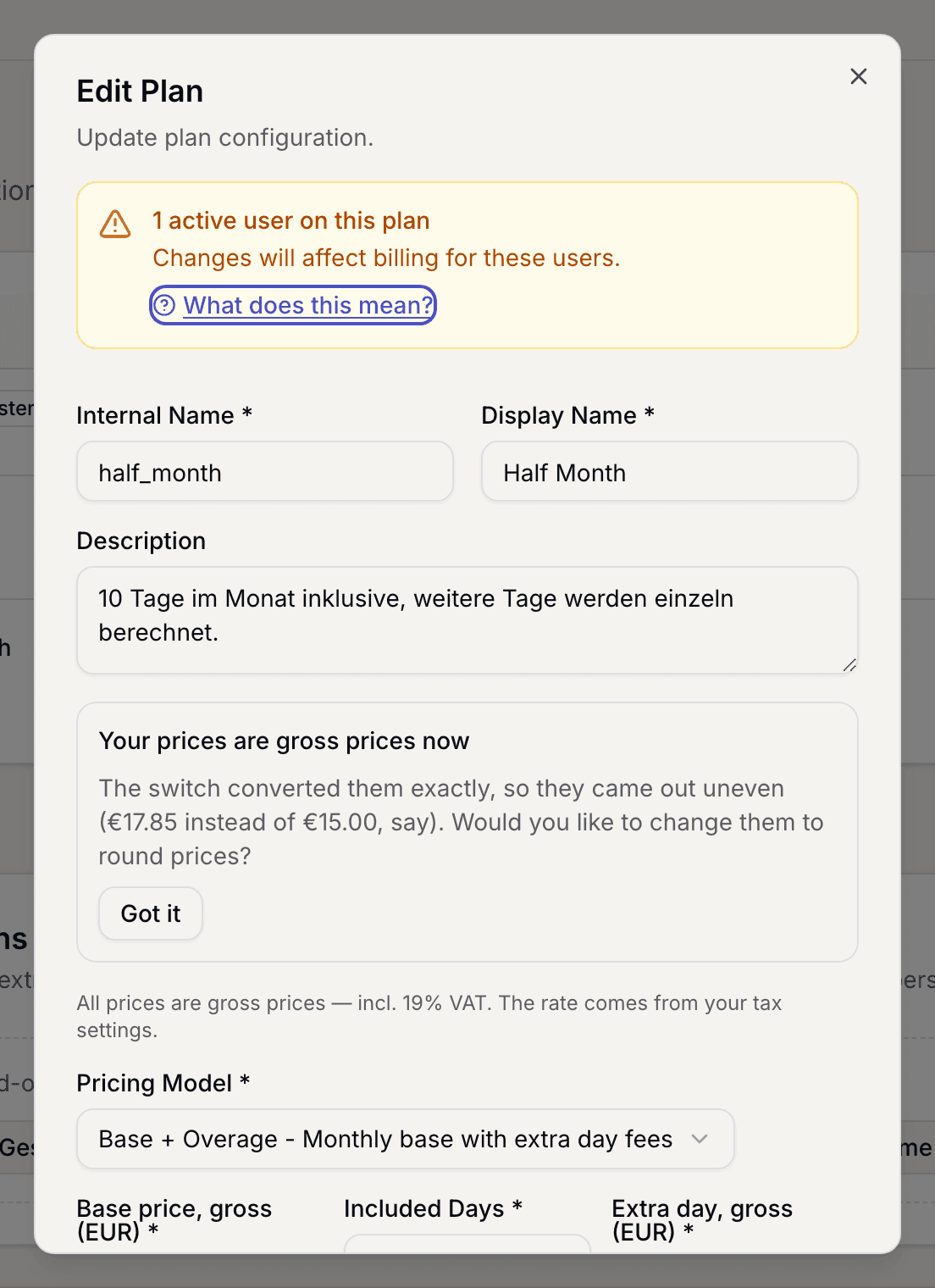
Plan form with the note about active users - In the app the money fields are locked at that point. The note reads Pricing and behavior cannot be changed. Create a new version to update conditions.
- Create a new plan with the new conditions. Give it the display name members should read from now on. See Create a plan.
- Take the visibility away from the old plan so nobody new picks it. The switch is called Publicly visible in the app and Available for member selection on the web.
- Move the members over. Open each member's contract and pick the new plan. The change applies on the 1st of the following month. See Change a member's plan.
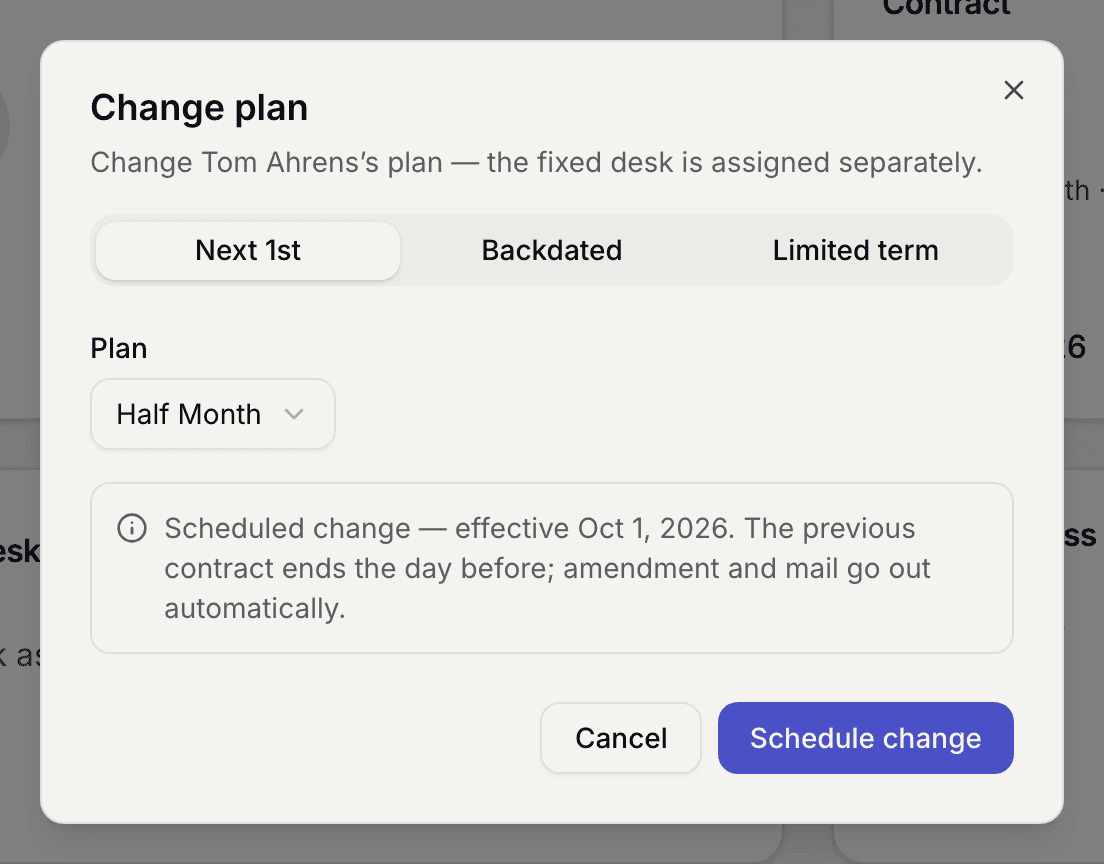
A member's contract with the plan picker - Once nobody holds the old plan any more, archive it. It is then unavailable for new contracts and drops out of the price list.
What applies here
- What is charged always comes from the plan the contract points at. While a member sits on the old plan, they pay its price. See Prices come from the plan.
- Archiving only works once no active contract points at the plan. See A plan cannot be archived.
- A change always takes effect on the 1st of a month, never mid-month.
- After every plan change your price list wants regenerating.
- Invoices already issued never change. See Issued invoices are frozen.
When it does not work