Change a member's plan
A change applies on the 1st of a month. Backdating reaches the current month only, and only while no invoice exists for it.
A plan change is not an edit of the running contract. The old contract is ended and a new one starts on the 1st. Both rows stay, so every figure matches its own period.
- Open the member record and the contract inside it. In the app the entry point is called Edit, on the web Change plan.
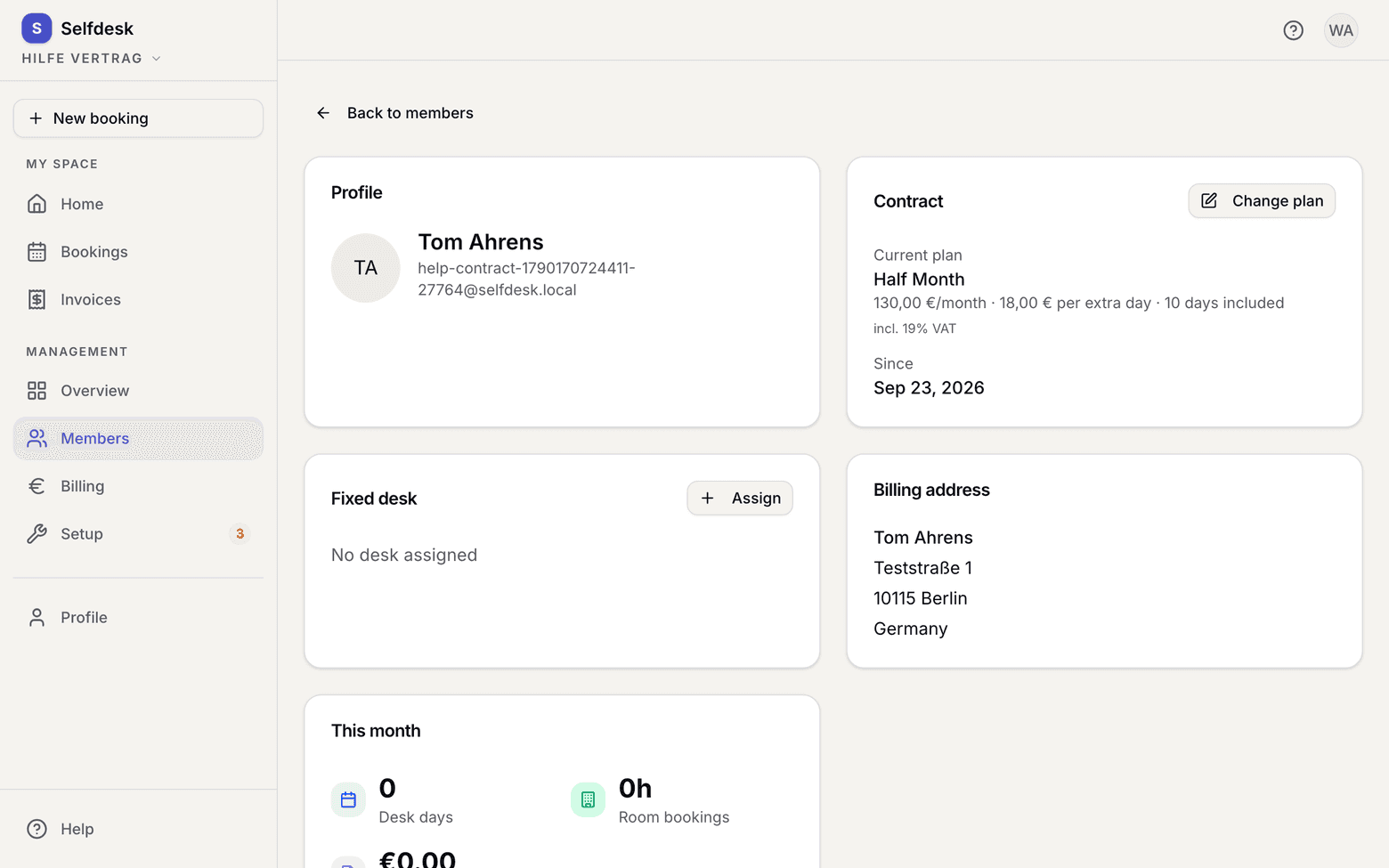
Member record with the contract area - Pick the new Plan.
- Pick when the change takes effect:
| Timing | What it means | |---|---| | Next 1st of month | The scheduled change. The previous contract ends the day before. | | Backdated | Applies from the 1st of the current month. | | Limited term | Applies until a cut-off date, then automatically back to a plan you choose. |
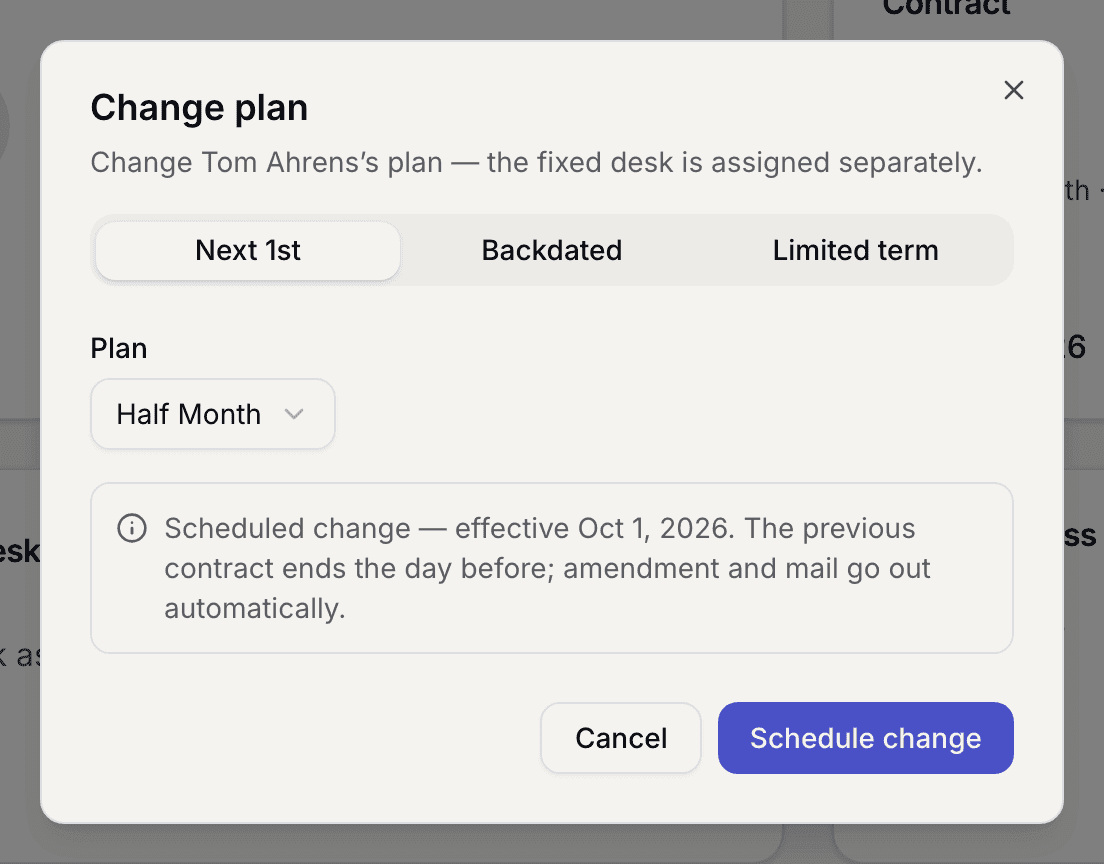
- With Backdated you can preview what is affected. Unbilled desk bookings in the window are repriced on the next invoice; room bookings keep their price.
- Save. The member gets an amendment to their contract and an email.
What applies here
- A change only takes effect on the 1st of a month. There is no pro-rata billing mid-month.
- Backdating reaches the 1st of the current month only, never further back.
- If an invoice already exists for the month in question, the backdated change is refused. Void that invoice or schedule the change for the following month. See A backdated plan change is rejected.
- Between entering and taking effect, two contracts sit side by side. Which one applies is decided by the date. See Which contract applies.
- If the new plan includes a fixed desk, you assign that desk separately. See Assign a fixed desk.
- With Limited term the successor contract is created straight away so the membership does not end. See Fixed-term prices expire.
When it does not work