Assign a fixed desk
An assignment blocks the desk for everybody else from a date. It hangs off the member, not off the contract.
A fixed desk is an assignment of its own with its own start date. It is independent of the contract term and takes the desk out of the bookable pool from the chosen day.
- Open the member record. The area is called Fixed desk.
- Pick Assign, or Switch if a desk is already assigned.
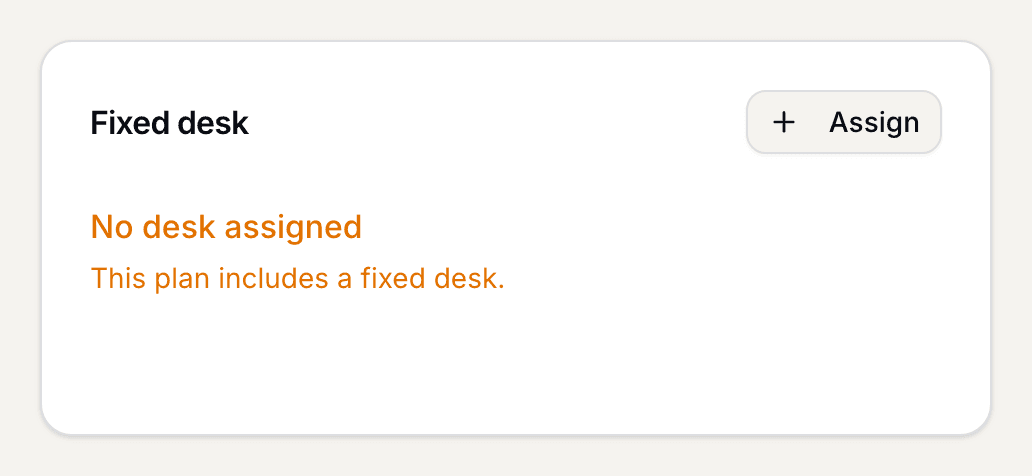
The Fixed desk area in the member record - Pick the start date under From when. From that day the desk cannot be booked by others; earlier bookings stay as they are.
- Pick the Desk. The list tells you which desk is free and which is already taken by somebody.
- The preview tells you what will happen. If other members have bookings on that desk from the start date, you have to confirm the cancellation explicitly. Those members are notified.
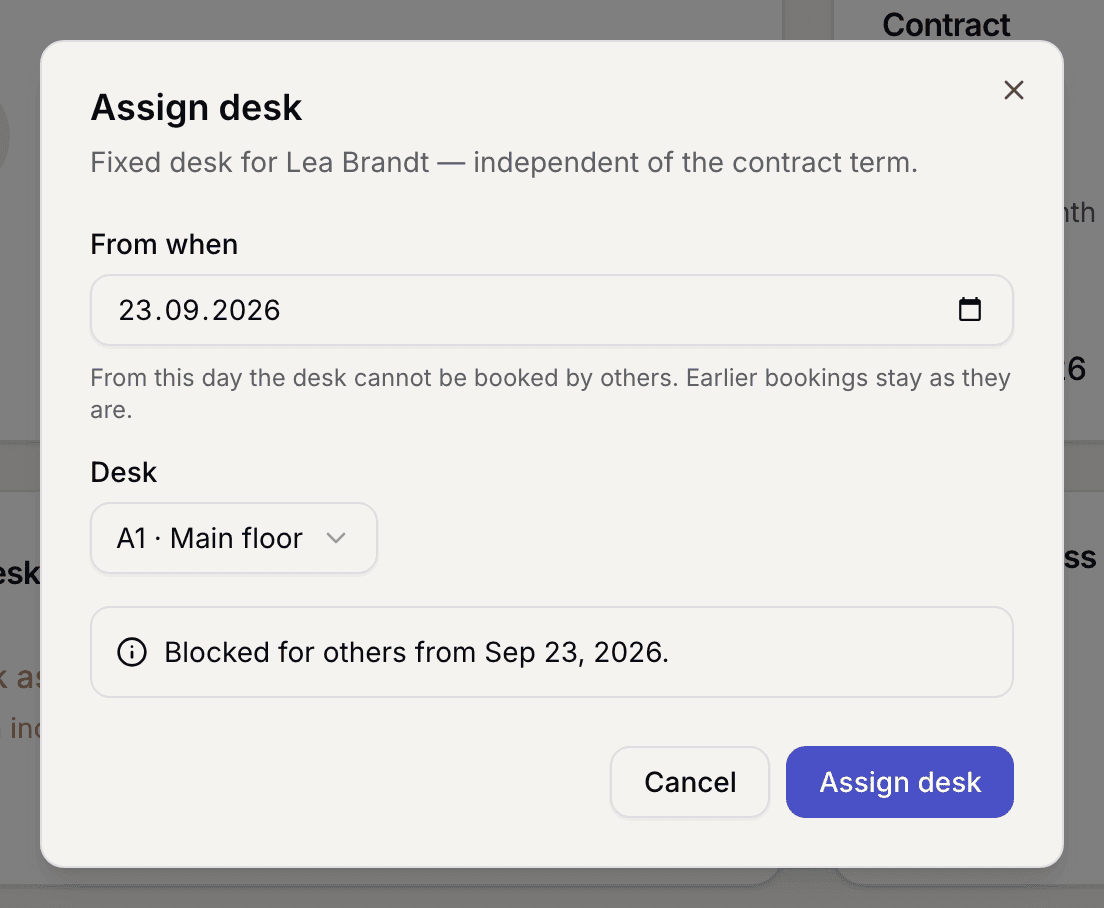
Preview with the affected bookings and the confirmation - Confirm with Assign desk.
What applies here
- Only desks that are neither archived nor in an area with seat booking can be assigned. See Anonymous seating areas.
- If the held plan has no fixed desk, the assignment stays dormant. It blocks the desk only once a matching contract is running.
- A desk reserved for an open import row cannot be handed out on top of that. Change the row in the Imported tab or revoke it. See Import members.
- End frees the desk for everybody again from the next day. An assignment that has not started yet is discarded instead.
- The assignment ends with the contract. The record shows that as ends with the contract on .
When it does not work