Import members
You upload a list. selfdesk sends no emails and attaches the contract once the person registers themselves.
With the import you bring existing coworkers across without creating accounts for them. Every row waits until the person registers with the same email address. They then get their contract, their billing address and their phone number automatically and can book right away.
Nobody is emailed. The invitation is yours to make, the way you make it anyway.
- Open the member list and the import inside it. In the app the button sits in the header; on the web it is called Import.
- Use Download template. The file holds a second sheet with the valid plan names.
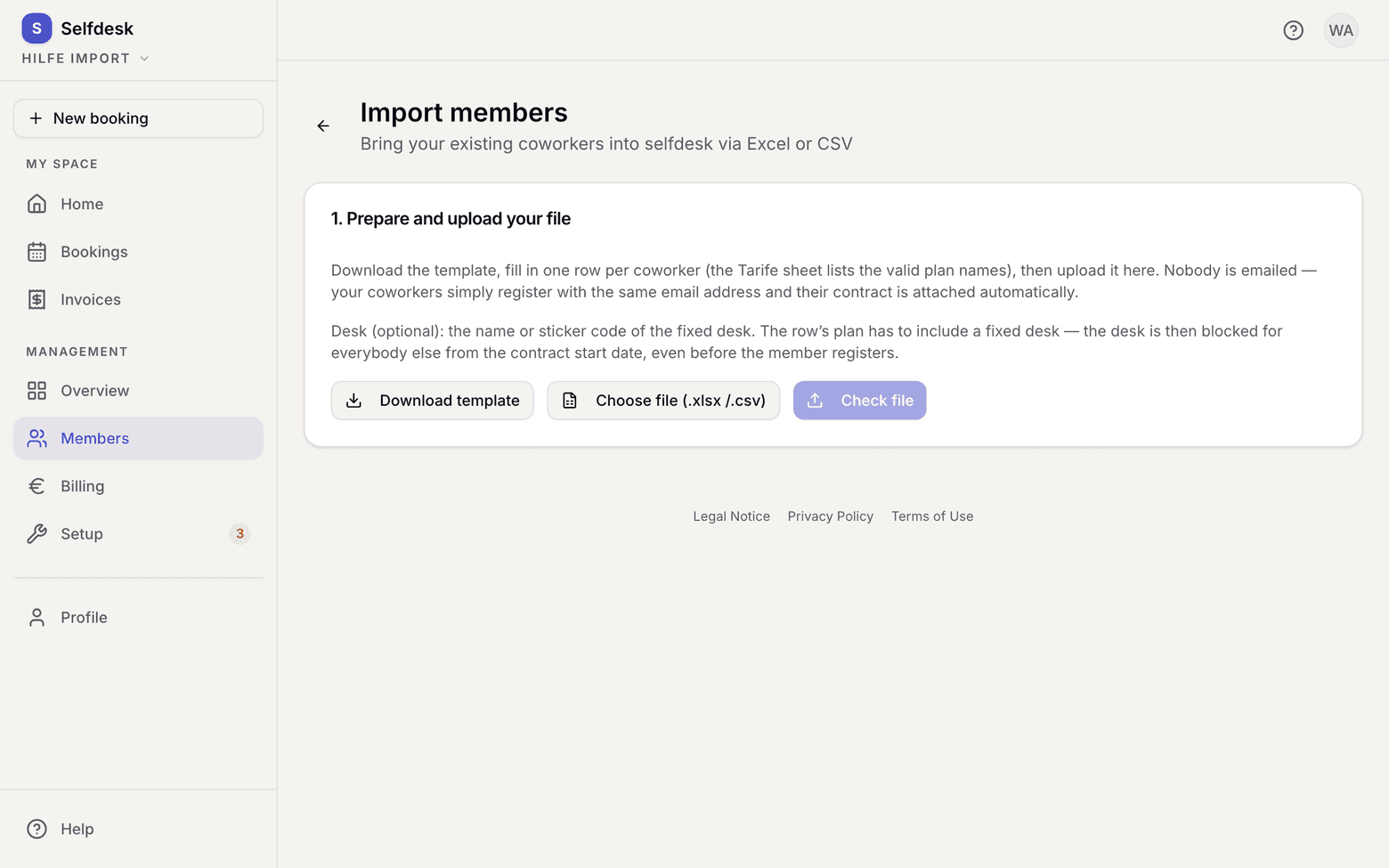
Import page with the button for downloading the template - Fill in one row per coworker: name, email, plan, contract start. The Desk column is optional and takes the name or the sticker code of a desk.
- Pick the file with Choose file (.xlsx / .csv) and then Check file. You get a preview with a status per row.
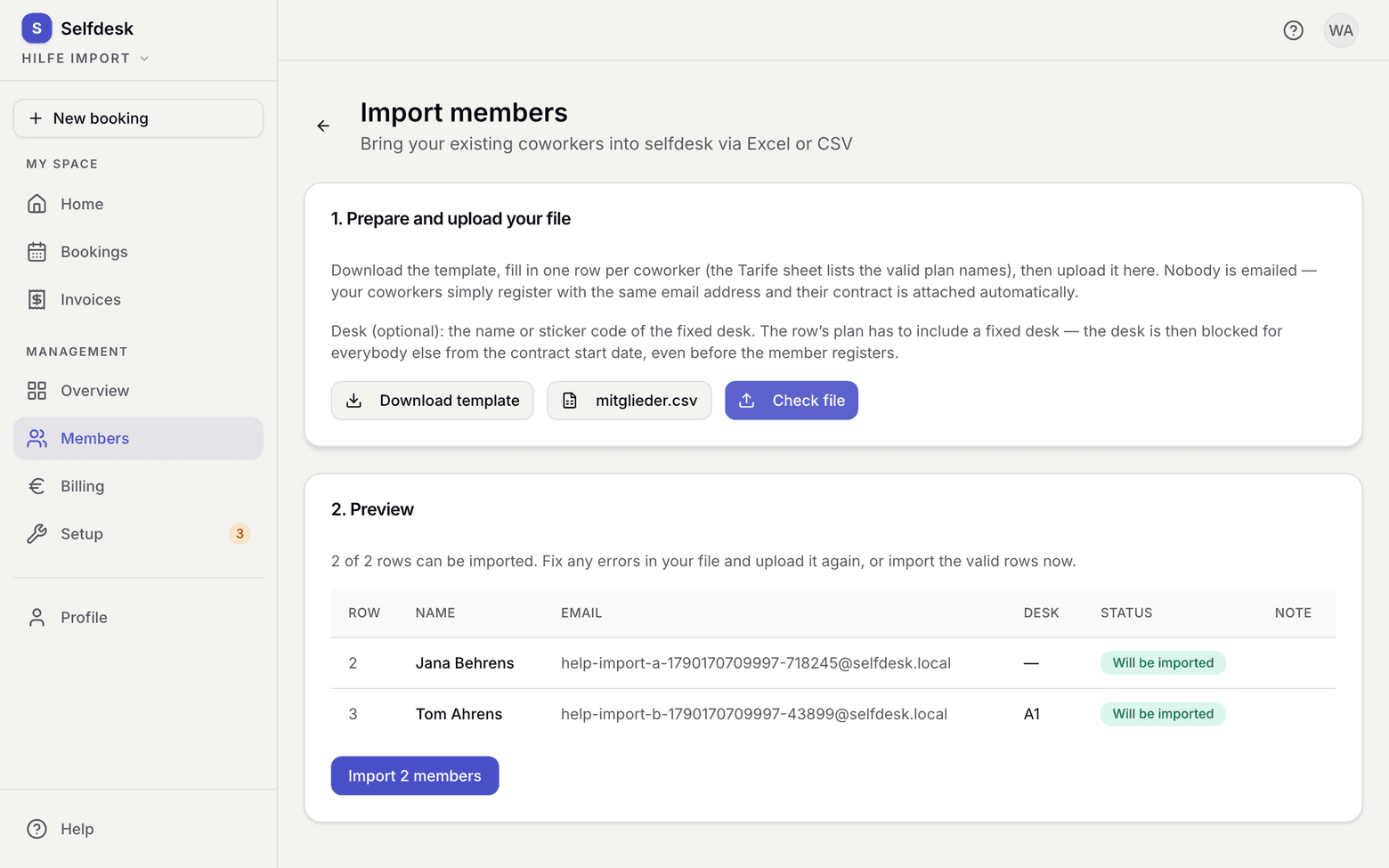
Import preview with a status per row - Fix faulty rows in your file and upload it again, or import only the valid rows for now.
- Confirm the import. The rows then sit in the Imported tab with the status Waiting for registration.
- Tell your coworkers to register with exactly that email address.
What applies here
- An imported member is not a member yet. While the row is open there is no profile and no credentials, and it does not count in the Active list.
- A contract start in the past is taken as historical truth. Nothing is recalculated retroactively.
- If the row names a desk, that desk is blocked for everybody else from the contract start date, months before the person first signs in. The row's plan has to include a fixed desk.
- You can change the desk of an open row on its own, without uploading the whole list again.
- If somebody registers through the normal route first, their import row becomes Signed up separately. The regular sign-up takes precedence.
- A row you revoke becomes Revoked. That person no longer gets a contract automatically when they register.
- Imported contracts need no approval. Your upload is the approval.
- Everybody has to accept the legal texts themselves. The app asks for that on first entry.
When it does not work