Maintain your legal details
Company name, registered office, representatives and tax details sit in the footer of every invoice. They are also one of the four starter tasks.
Your legal details are the company data that has to appear on every invoice selfdesk creates for your members. The same data feeds the generated legal documents of your space. Without it your space cannot go public.
Before you start: have the details from your trade register entry ready. Whatever you enter here is what your members see.
In the app
- Open Setup and tap Impressum in the Legal texts section.
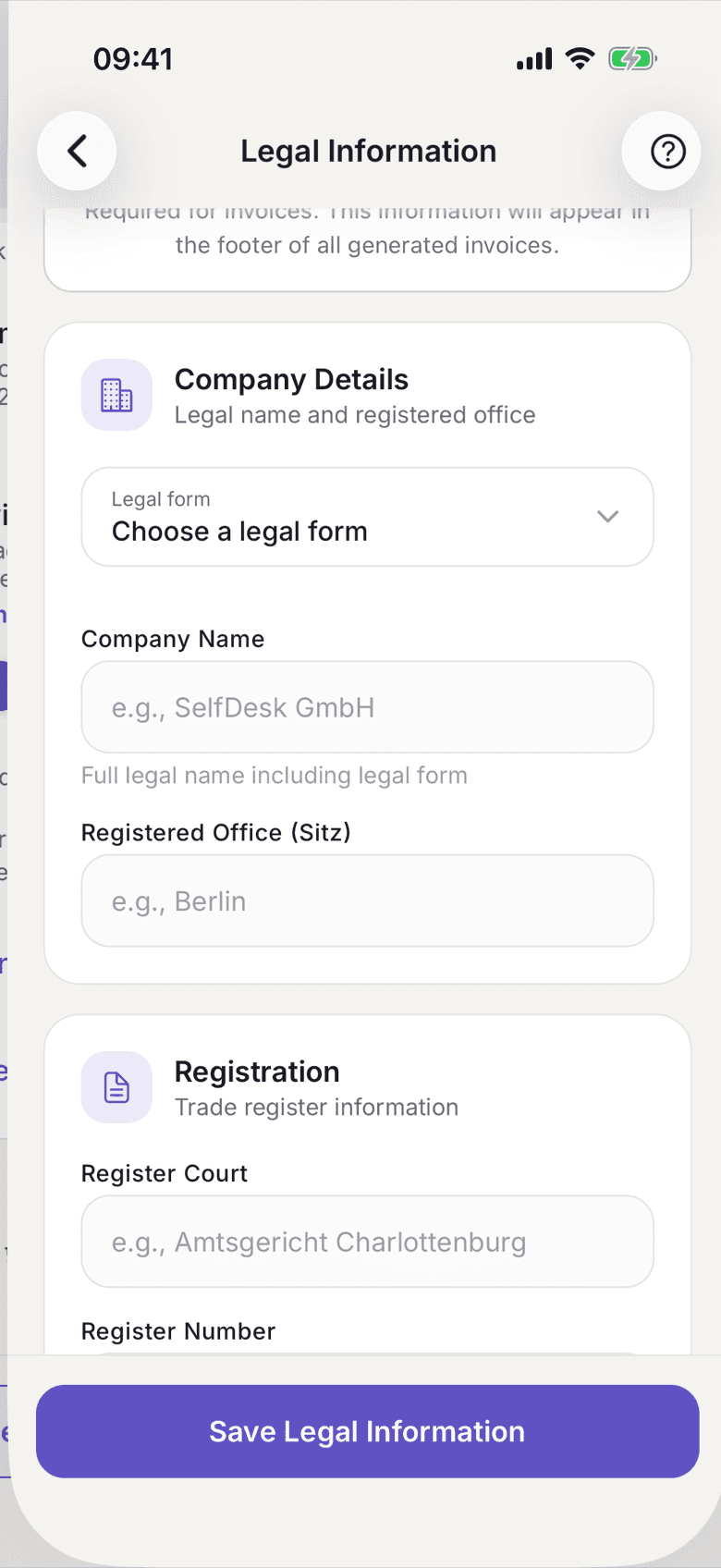
Legal Information with the Company Details and Registration sections - Under Company Details, enter the Company Name including the legal form and the Registered Office (Sitz).
- Under Registration, enter the Register Court and the Register Number.
- Under Representatives, enter the Managing Director(s). Separate several names with commas.
- Under Tax Information, enter your VAT ID if you have one.
- Under Invoice Branding, upload your Company Logo and set an
Invoice Number Prefix if you want one.
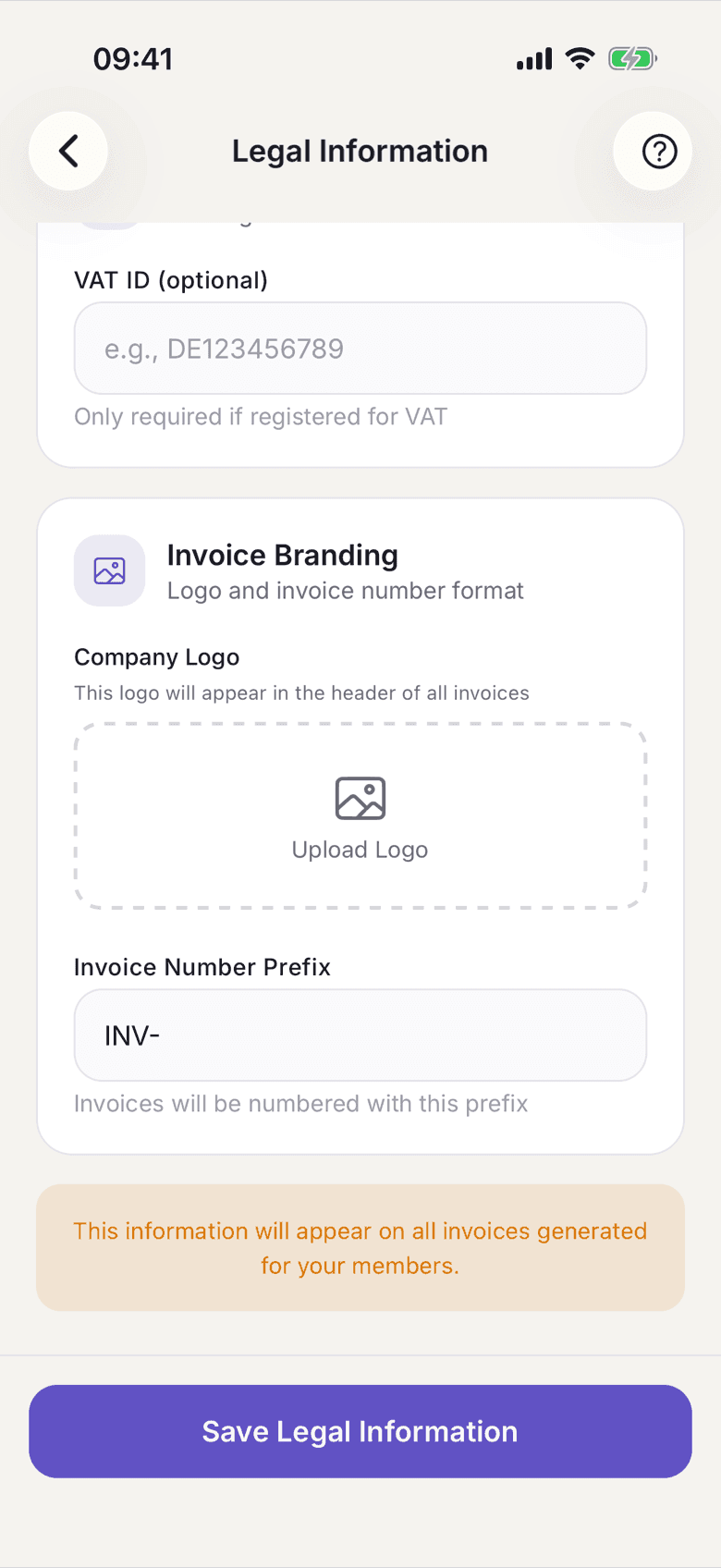
Invoice Branding with logo and prefix - Tap Save Legal Information.
On the web
- Open Setup and click Impressum in the Legal texts section.
- Fill in Company Details, Registration, Representatives and Tax Information.
- Upload your logo under Invoice Branding and set the invoice number prefix if you want one.
- Under Bank Details, enter the account holder and IBAN. That block appears on the invoices your members are meant to transfer.
- Click Save.
The bank details exist only here, not in the app.
What applies here
- The details appear in the footer of every invoice selfdesk creates.
- Impressum is one of the four starter tasks. Without it the space cannot be published. See Starter task.
- Invoices already issued do not change when you correct something here. They freeze name and address at the moment they were issued.
- Change a plan and your price list is marked out of date and has to be regenerated. For the Impressum there is no such reminder. See The four legal documents of your space.
- Whether you show VAT is not decided here but in your space's tax mode. See Small business.