Set opening hours and the booking window
Opening hours say when you are open. The booking window says how far ahead people may book. These are two separate settings.
These two are easily mixed up. Opening hours limit the times of day and close individual days completely. The booking window limits how far into the future anything can be booked at all.
- Open Setup and, in the Prices and hours section, the row Opening hours.
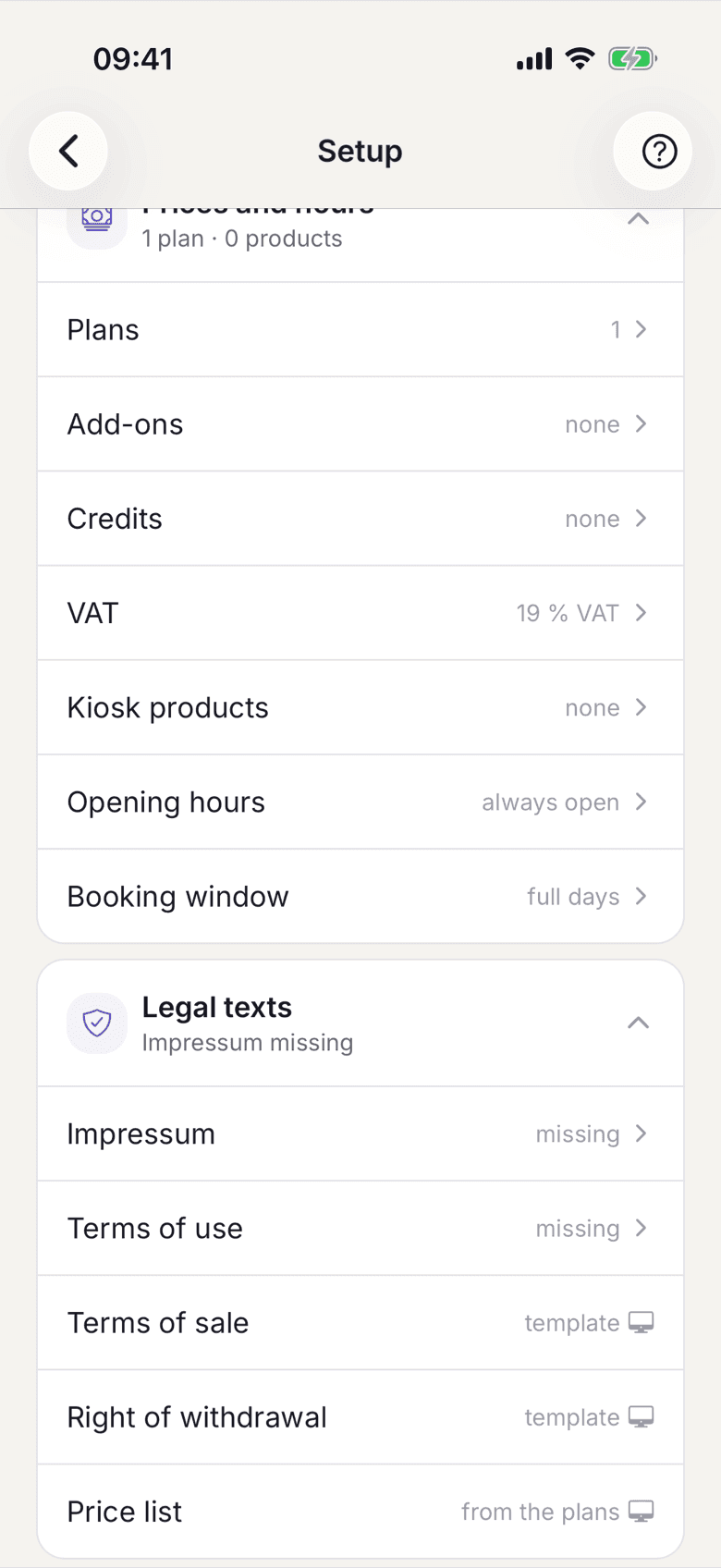
The Prices and hours section with the Opening hours and Booking window rows - Switch enforcement on if bookings should be limited to the weekly schedule. With it off, your space is open around the clock.
In the app
This screen is not localised yet. It always shows the English labels Enforce operating hours, Weekly schedule and Special dates, whatever language the rest of the app is in.On the web
The switch is called Enforce operating hours, the schedule Weekly schedule and the exceptions Special dates. - Set an opening and a closing time per weekday. Days you do not enable stay closed.
- Enter public holidays and one-off closures as special dates. They override the weekly schedule.
- Now set the booking window.
In the app
Open Setup, then in Presence the row Public page. The Booking window section sits on the same screen.On the web
Open Setup, then in Prices and hours the row Booking window. Below the list of slots you find the Booking Window card. - Under Days ahead enter how far ahead people may book. Any value from 1 to 365 is allowed. Save.
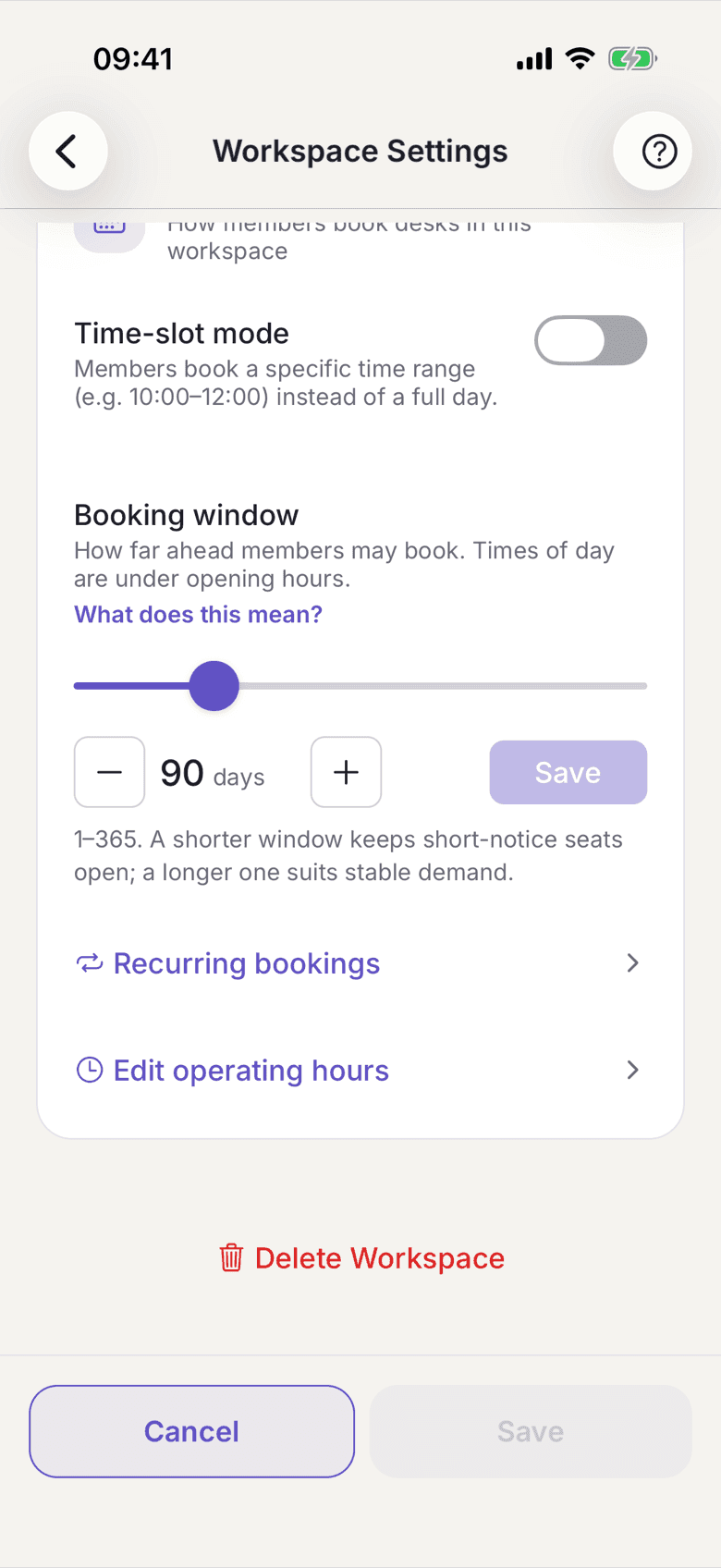
The Booking Window card with the days-ahead field
What applies here
- The booking window applies to desks and rooms alike and is also the ceiling for room series.
- The slots under Booking window are a different thing: they are the choice members see in time-slot mode. Without slots, a whole day is booked.
- A scan at the desk obeys the same opening hours. On a closed day the app refuses the booking instead of quietly moving it to the next open day.
- Opening hours and the booking window are inventory, not a start task. They may stay empty. See Start task, suggestion, inventory.
When it does not work