Collect agreement to new prices
On the Price list page you see who has not agreed to a new price yet, and you can remind them. Nobody is locked out.
If you entered a price for everyone who agrees, each affected member gets an email and a notice in the app and on the web. The notice stays until they have agreed. Until then they pay the previous price. How to enter such a price is described in Plan a price change.
- Open Setup and, in the Legal texts section, the Price list.
- At the top is the version in force, below it Agreed: … of … with the date of the request and the month from which the new price applies.
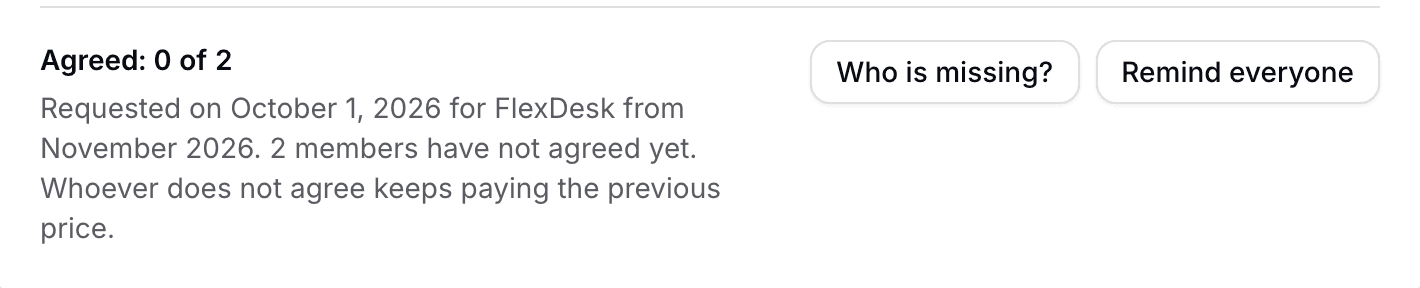
Price list with the agreement status and the Who is missing and Remind everyone buttons - Who is missing? lists everyone who has not agreed yet, with the price they keep paying and the day of the last reminder.
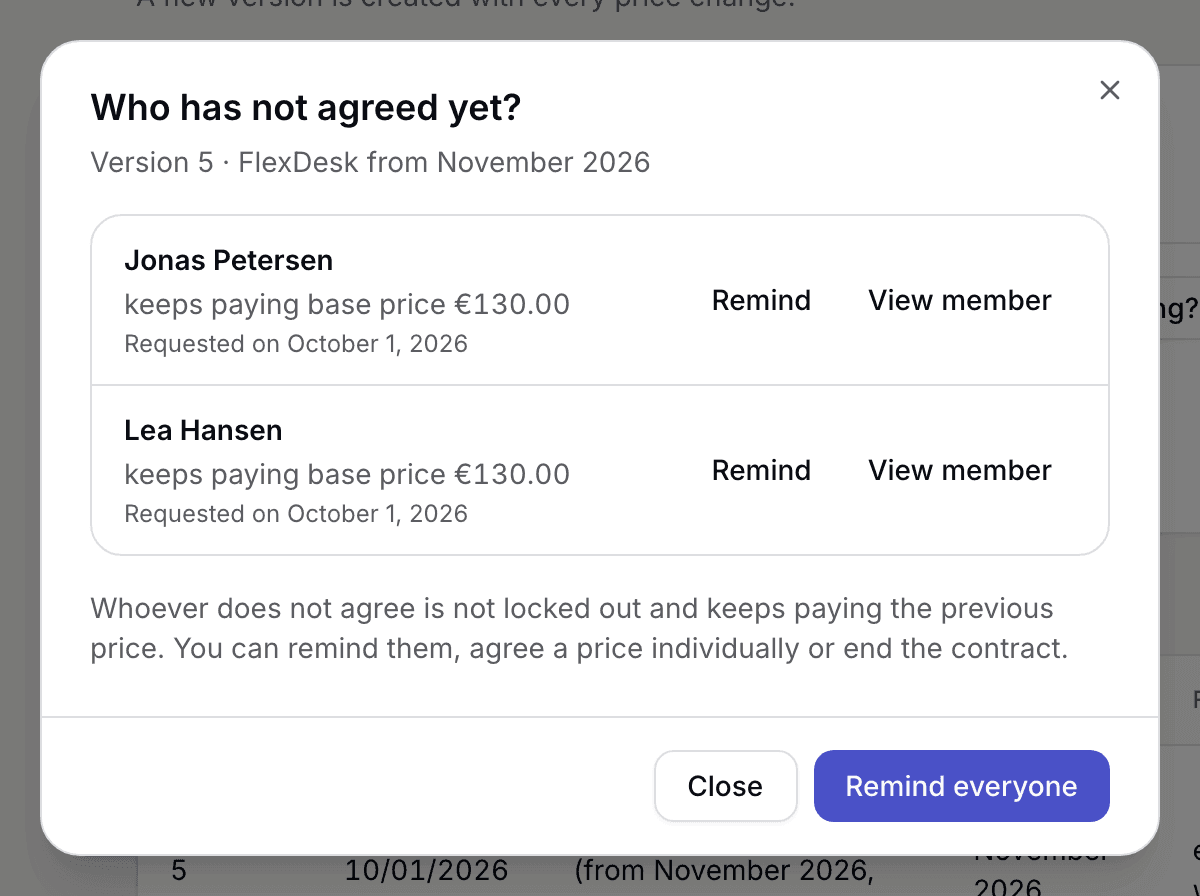
List of members who have not agreed yet, with Remind - Remind one member with Remind or everyone at once with Remind everyone. A reminder goes as an email to the member, for a company to its billing contact.
- View member opens the member record.
In the member record, Plan and price shows what the member pays, under which version, and whether an agreement is open. There you can remind them individually or, with Charge the new price, do without the agreement: they then pay the new price from the month the dialog names, even without agreeing. Billed months stay as they are.
Ask for agreement to the version in force
You can have a version that came about without agreement confirmed afterwards, for example after a correction for everyone.
- On the Price list page, under Ask for agreement to the version in force, choose Ask for agreement.
- If you like, enter a Message to members.
- Confirm with Ask for agreement.
All members who have not agreed to the version yet get an email and see a notice until they have agreed. This changes no price and locks nobody out. It collects the evidence that every member has seen the version and agreed to it.
What applies here
- Whoever does not agree keeps booking, opens the door and pays the previous price. You can remind them, agree a price individually or end the contract.
- For a company, the billing contact agrees for the company. Whoever has a company seat sees the notice without a button.
- Who is missing? only counts those who still hold the plan. Whoever no longer holds it drops out.
- If you withdraw a planned price, the agreements to it become void.
- New members agree to the version in force when they sign up, as before.
- Whether and when you need an agreement is your decision. Selfdesk only shows what each choice triggers.
When it does not work