Start the month-end run
The month-end run is a list you tick. It is possible from the 1st of the following month.
The month-end run closes a month that has ended. It issues the invoices for the members you select and then charges them, if your space collects by card or SEPA. There is no schedule in the background: nothing is issued before you trigger it.
The run for a month is possible only from the 1st of the following month. A member without an invoicing address is not billed and states that as the reason in their row.
In the app
- Open Invoicing and stay in the Month-end run tab.
- Use the arrows above the list to set the month you want to bill. It does not
go further than the previous month.
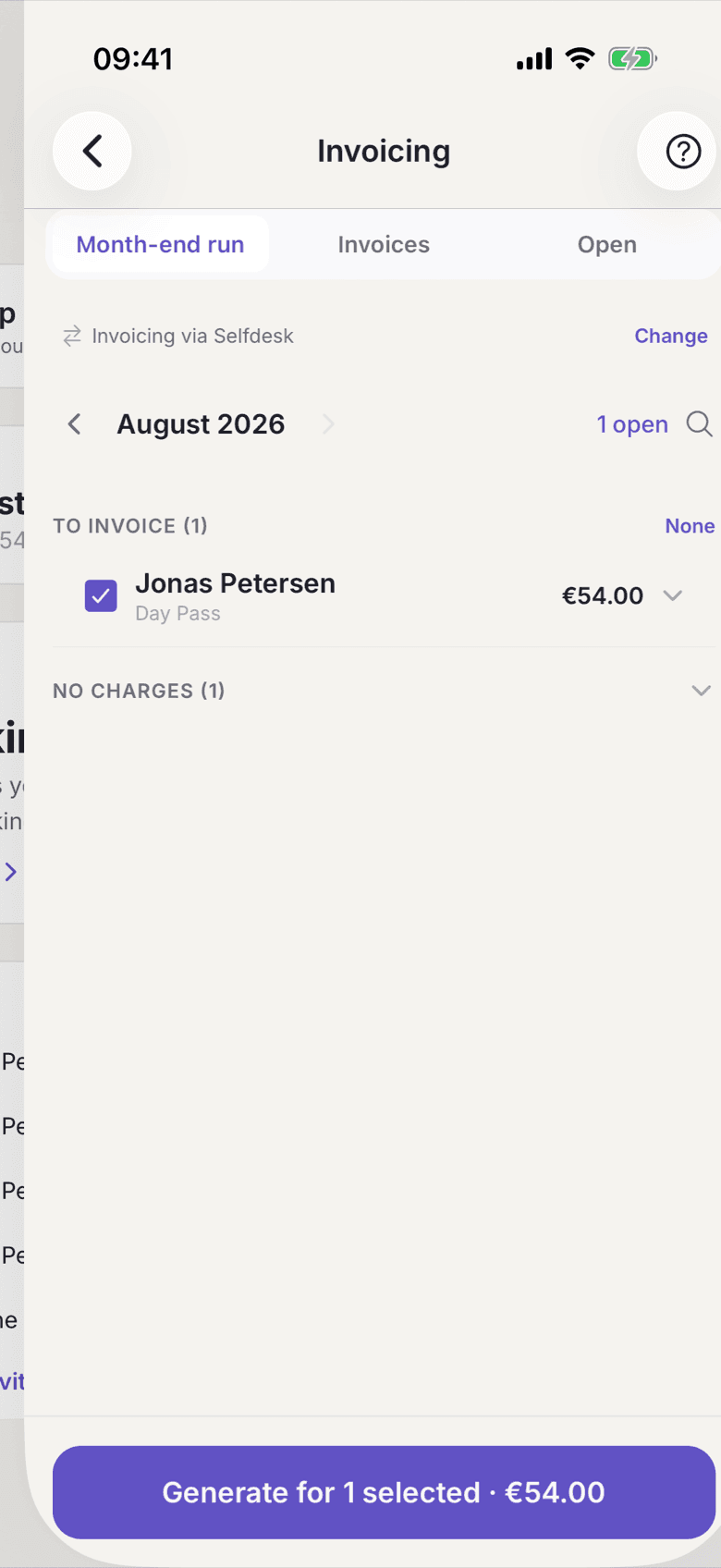
Invoicing, Month-end run tab with the month in the header - Check the line Invoicing via … above the list. It says whether the invoices are produced by selfdesk or created in your accounting system. Change leads to the setting.
- Work through the groups. To invoice is preselected, Invoiced carries each invoice number, No charges sits collapsed at the bottom.
- Tap a row to see its positions: Desk, Room, Kiosk, Subtotal,
Total.
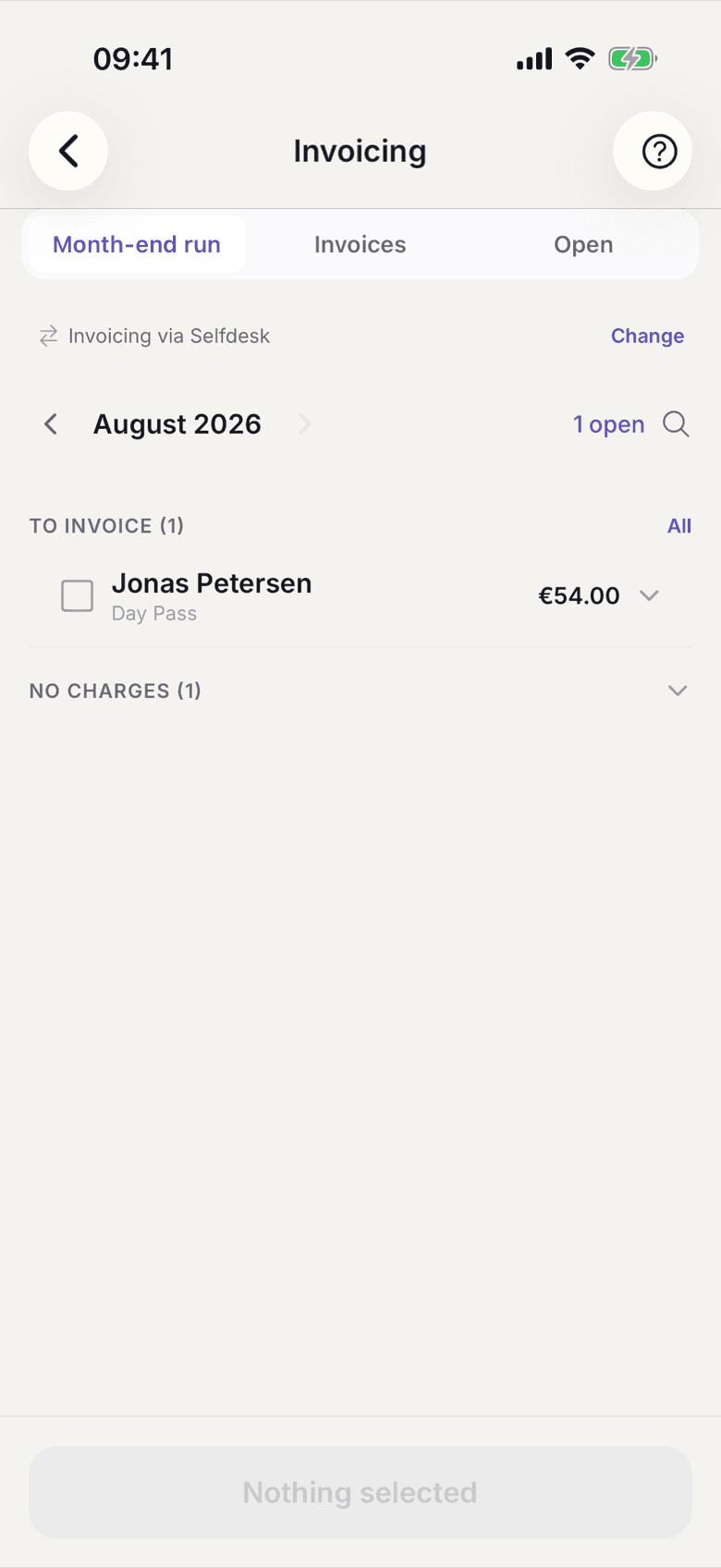
Expanded member row with the positions and the total - Add or remove rows with All and None.
- At the bottom sits Generate for … selected with the sum you are about to
issue. Tap it and confirm Generate invoices? with Generate.
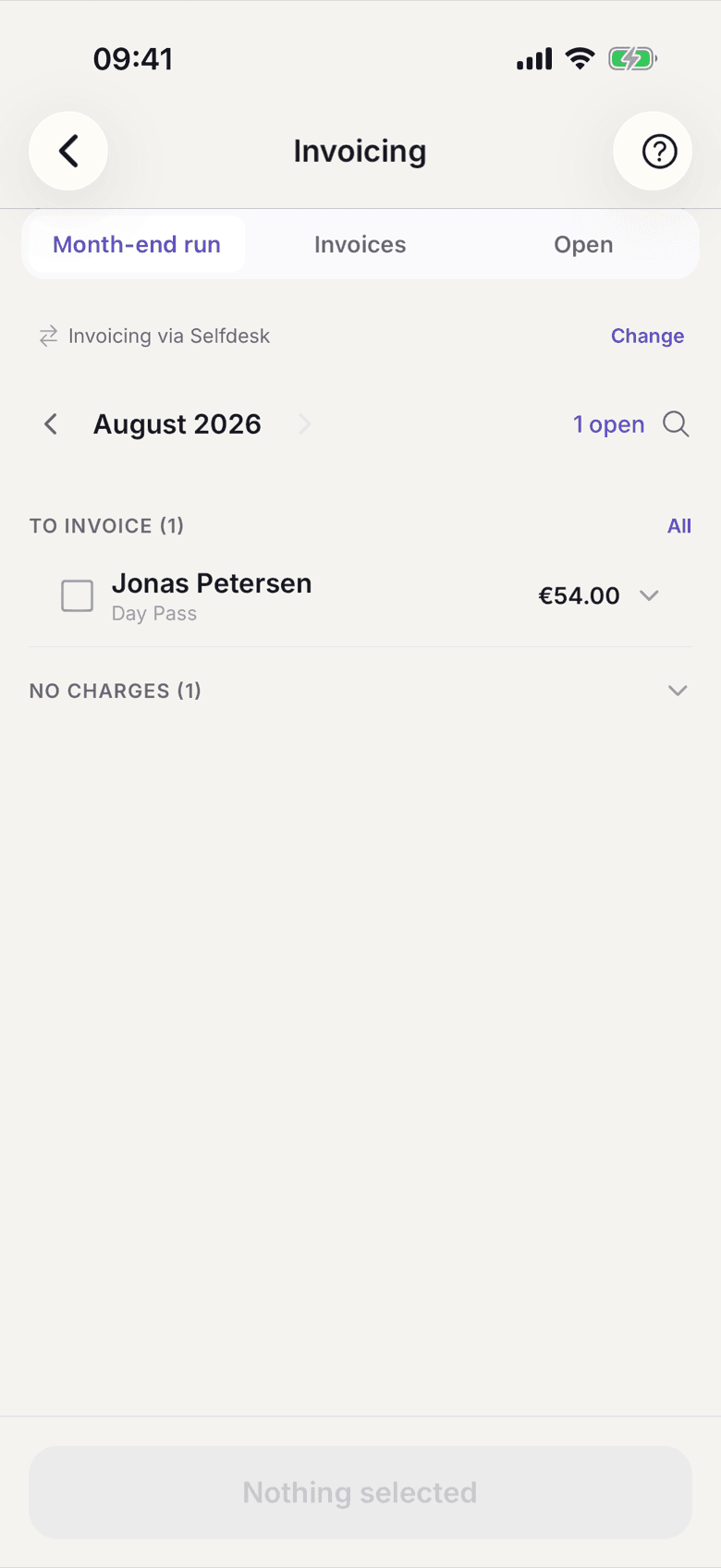
The sticky button with the count and the sum
On the web
- Open Billing. The navigation entry is called Month-end run.
- Use the arrows to set the month. It does not go further than the previous month.
- Check the line Invoicing via … above it. Change leads to the setting.
- Stay in the Invoice Candidates tab. The table shows Desk, Rooms, Total and Status per member.
- Tick the members you want to bill. The tick in the header row selects all.
- Click Generate … Invoices at the top.
- The Generated Invoices tab then shows what was created.
On the web the button carries the count, not the sum, and rows do not expand. You reach a row's positions through the eye symbol at the end of the row or in the app.
What applies here
- The run for a month is possible only from the 1st of the following month, because it bills the whole month conclusively. See Month-end run.
- One run produces up to three separate documents per member and never merges them. See Three documents per month.
- An empty position list produces no document. A member who stayed inside their plan's allowance gets no usage invoice and no €0 document.
- A plan without a base price produces no membership invoice. Whoever pays per day finds their days on the usage invoice.
- Whether money is collected depends on your space and the member's choice, not on the document. Collection runs after the run, so results can arrive a few seconds later. See Direct collection.
- Issued invoices can no longer be changed. See Issued invoices are frozen.