End a membership
Members cancel themselves to the end of the current month. As the operator you remove somebody from the space, and that takes effect at once.
There are two routes, and they are not the same. The member cancels, and the contract ends on the last day of the current month. Or you remove the person from your space, and the contract ends immediately.
When the member cancels
There is nothing for you to do. In both the app and the web, members find Cancel membership in their own profile. The contract ends on the last day of the current month, and the member gets a cancellation confirmation straight away.
- In the member list the row then carries the badge Ending on .
- After the end date the person moves to the Past tab.
When you remove somebody
- Open the member record.
- Pick Remove from Workspace.
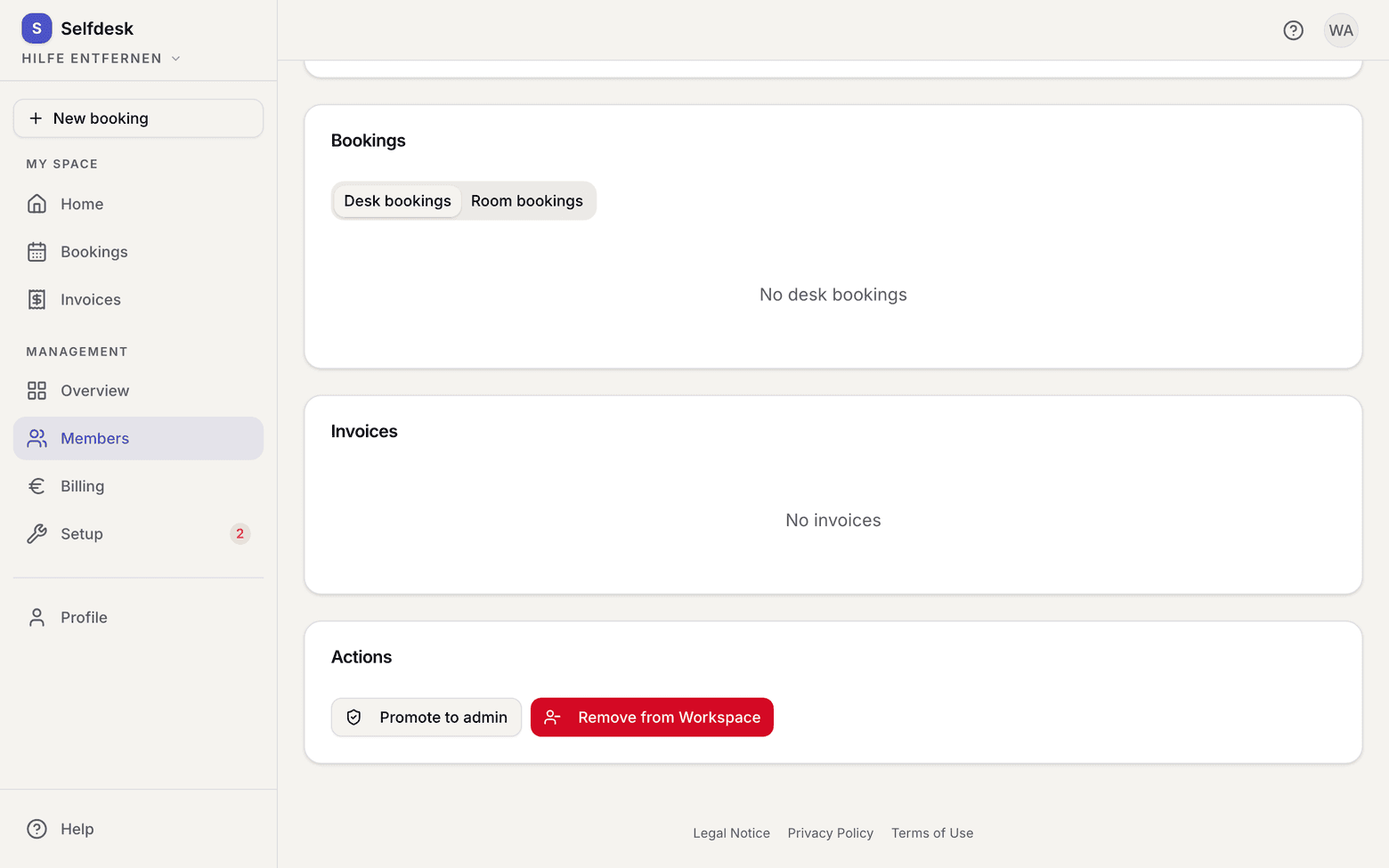
Member record with the remove button - Confirm. The running contract ends today.
What applies here
- There is no notice period. The end is the last day of the current calendar month, whatever day the cancellation happens.
- Room bookings behind the end date are cancelled, on every route that ends a contract. The member gets one mail listing every cancelled booking, with a cancellation for each calendar entry. Room series end on the end date as well.
- What stays: bookings up to the end date, past bookings, and dates a successor contract covers.
- A scheduled plan change is discarded by the cancellation.
- Removing somebody additionally cancels desk bookings, revokes door access and deletes that person's door logs in your space. Invoices and the billing address stay.
- selfdesk does not store the reason for a cancellation. The apps still send the field, but it is neither logged nor written into any document.
- You cannot remove the owner of your space, and you cannot remove yourself.
When it does not work