Set up a company account
An organisation pools the contracts of several employees into one base fee, one allowance and one invoice.
An organisation is an invoice recipient, not a member. Every employee keeps their own contract, their own access and their own role. Only the base fee, the allowance and the invoice are shared.
The employees have to be members already and hold the same plan. Only members with a current contract who are not yet in an organisation can be assigned.
- Open Organisations. In the app the entry sits in the management area, on the web in the sidebar.
- Pick Add organisation and enter the company name.
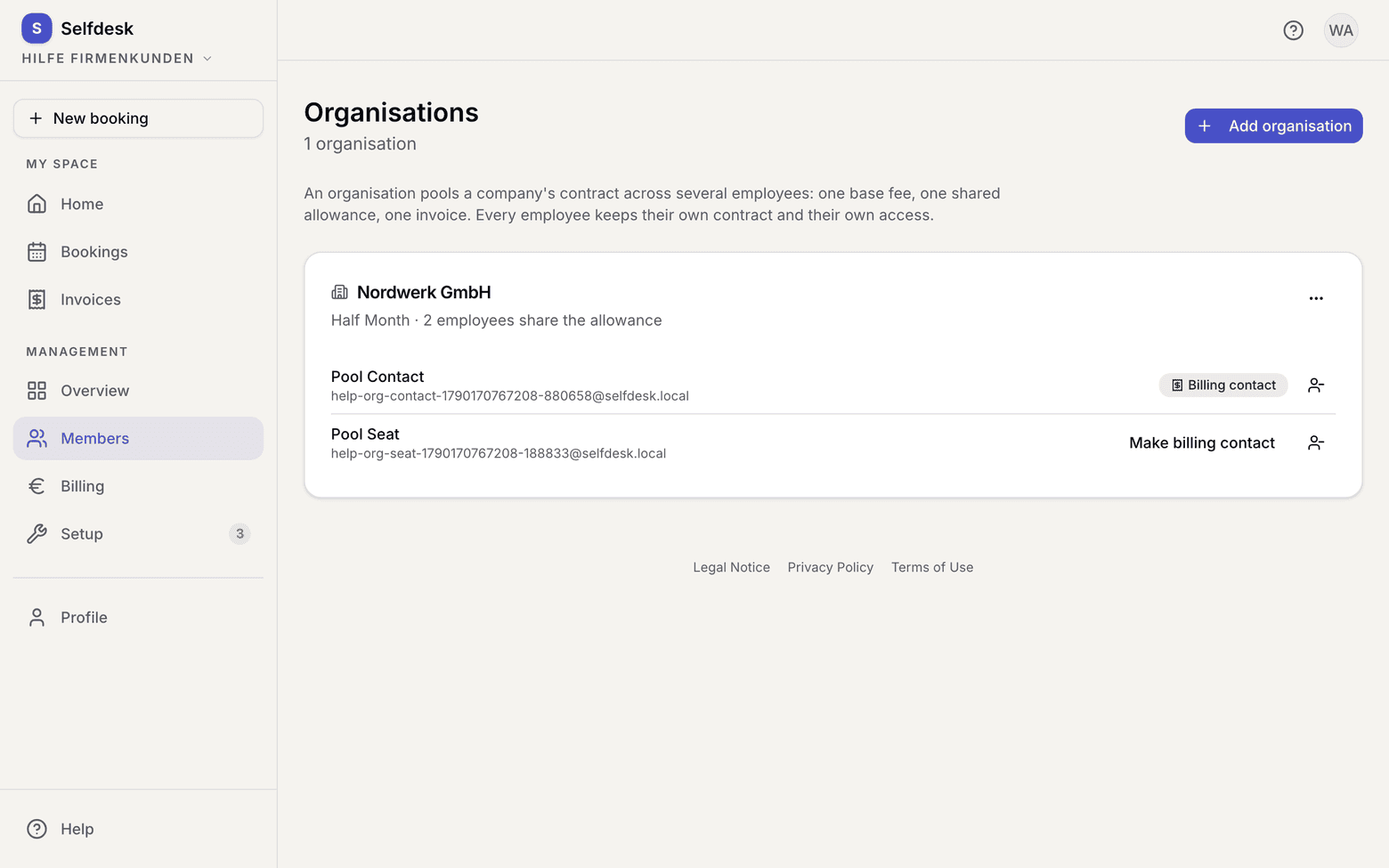
List of organisations with the add button - Open the organisation and pick Assign employee. The first employee assigned automatically becomes the Billing contact.
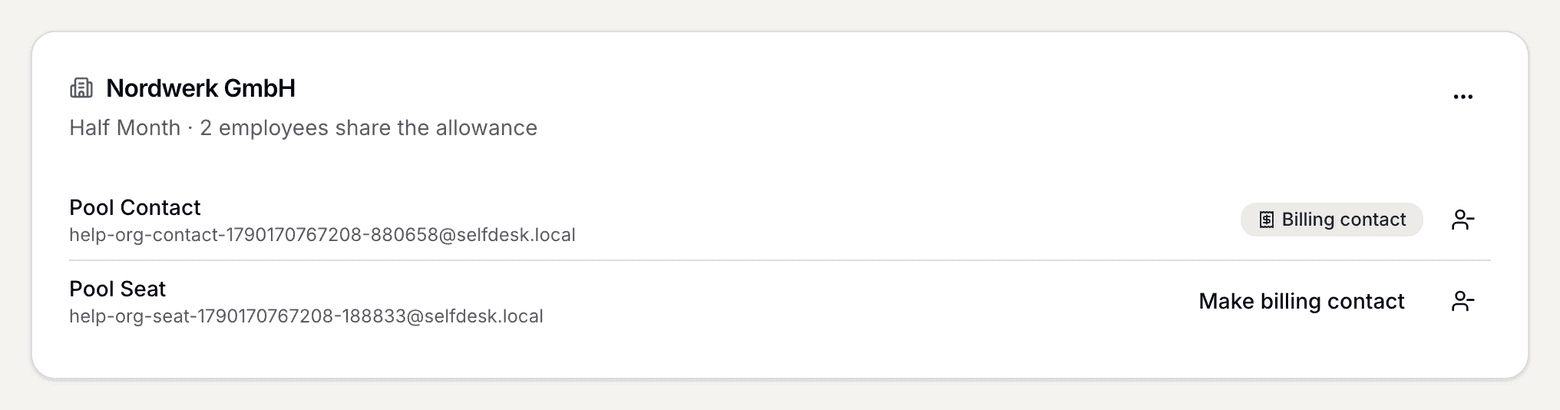
Organisation with its employees and the billing contact - Assign the other employees. They all have to be on the same plan.
- If you want a different billing contact, pick Make billing contact on that person.
What applies here
- A pool allows exactly one plan for all seats. Otherwise “one base fee” and “one pot” would be undefined.
- Plans with a fixed desk cannot be pooled.
- Only the billing contact gets the company's invoice. No other seat sees it.
- Every seat sees the shared counter, that is the days used and left, but no amounts and not their colleagues' booking dates. A pool is not a shared attendance calendar.
- Kiosk is never pooled. Snacks stay personal and go on the employee's own kiosk invoice.
- Your selfdesk invoice counts seats, not companies. A company with five employees is five paying members.
- An organisation can only be deleted while no contract still points at it. Otherwise past invoices would lose their attribution.
- If you take somebody out of the organisation, they are billed individually again from then on.
When it does not work