Check an invoice before sending
In the month-end run a member row expands into its positions. That writes nothing and is the last check before issuing.
App
An issued invoice can no longer be changed. That is why the check comes first: you expand a member row in the month-end run and see the positions the invoice would carry. The preview writes nothing and issues nothing.
This works in the app. The web has no such preview; there the eye symbol on the row leads to the member's billing view for that month.
- Open Invoicing and pick the month in the Month-end run tab.
- Find the member. The magnifier button opens the search Search members....
- Tap the row. It expands and loads the positions.
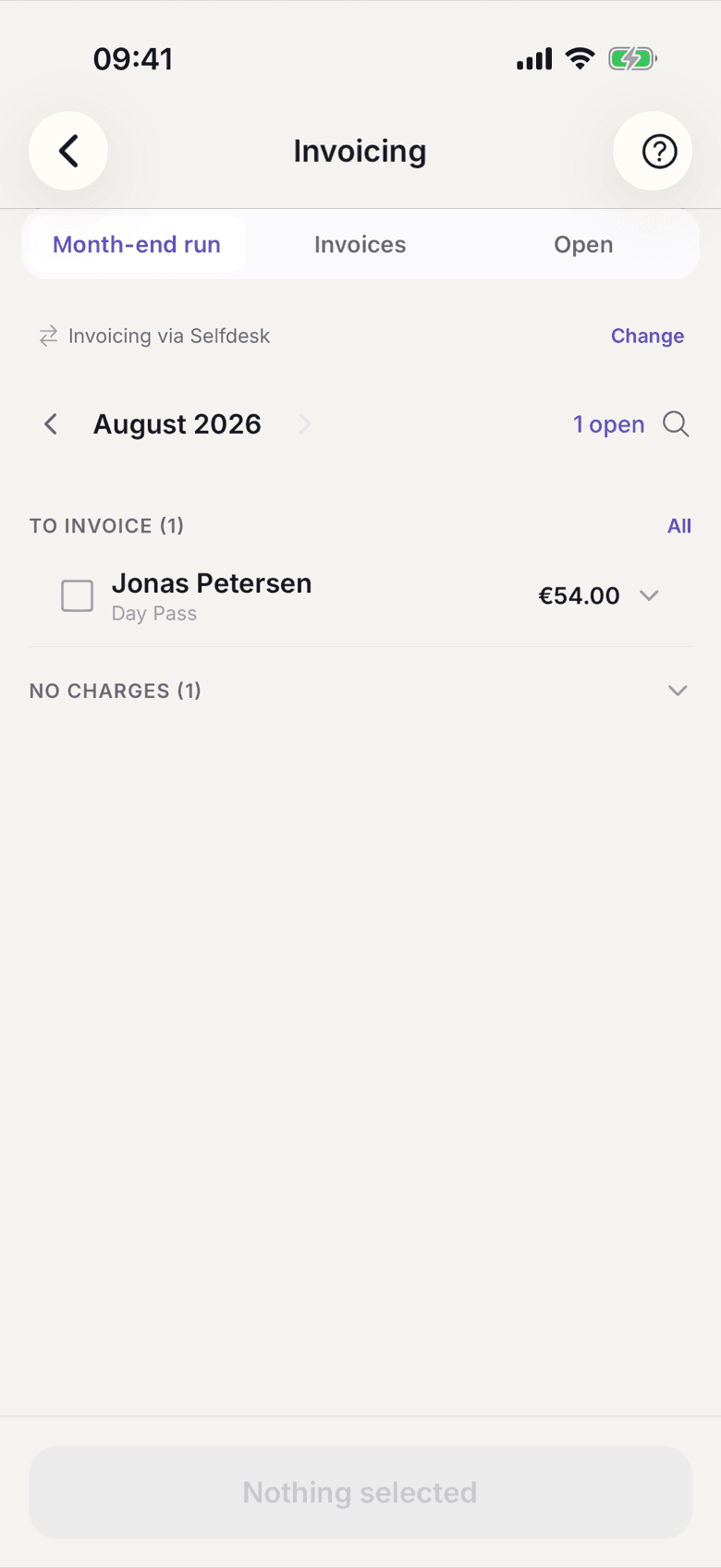
Expanded member row in the month-end run with positions - Check Desk, Room and Kiosk, and below them Subtotal, VAT … and Total.
- If something is wrong, leave that member unticked and issue the other invoices.
What applies here
- The preview calculates with the same rule as the run. What is shown here is what ends up on the document.
- If several tax rates sit on one document, the summary line reads VAT (mixed rates) instead of one rate. That happens with kiosk positions.
- Positions are stated gross. See Gross price.
- The amount can differ from the plan's list price when the member holds an individual price. See Price snapshot.
- The month selector only reaches the previous month. The preview itself is not restricted.
When it does not work