Change or reset your password
Change a password you know in settings, reset one you forgot from the link on the sign-in screen.
Your password belongs to your account, not to a space. It is the same everywhere.
Change your password
- Open Settings in your profile.
- Under Security tap Change Password.
- Enter Current Password and the new password twice.
- Tap Change Password.
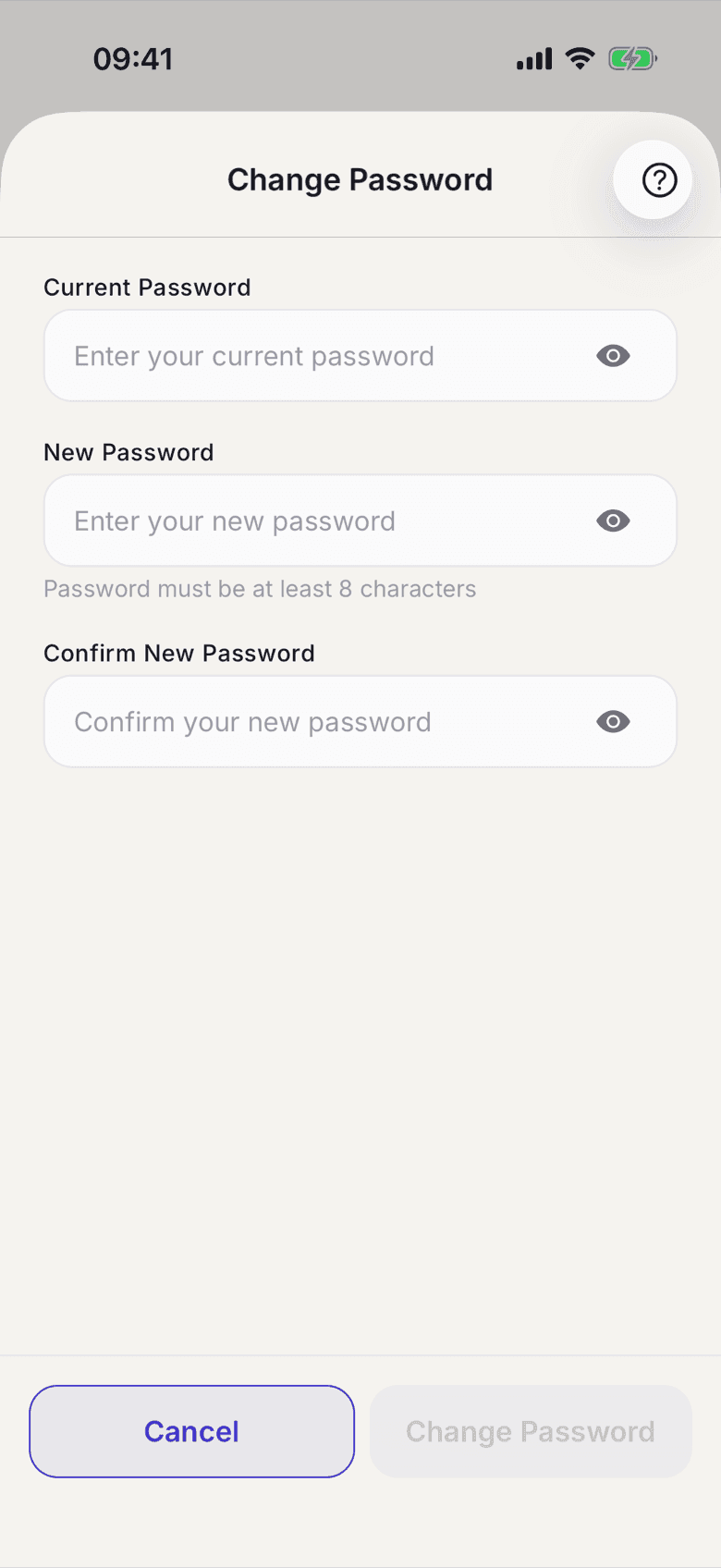
If you have only ever signed in with Apple or Google, the entry is called Set Password. The current password field is then gone, because there is none yet.
Forgot your password
- On the sign-in screen tap Forgot password?.
- Enter your email address and tap Send Reset Link.
- Open the email and follow the link.
- Set a new password and tap Reset Password.
What applies here
- A password needs at least 8 characters.
- The new password has to differ from the old one.
- A reset link expires. Request a new one in that case.
- If no email arrives, check your spam folder.