Book a meeting room
How to reserve a meeting or phone room in selfdesk: picking a time, what it costs, changes, and recurring bookings.
Meeting rooms are booked in 15-minute steps, with a minimum of fifteen minutes.
How to book
- Open the app and tap Book.
- Tap Book Room.
- Pick the date.
- Set From and Until. Quarter hours that are already taken can't be picked; below the selection you see how long the room stays free.
- Confirm.
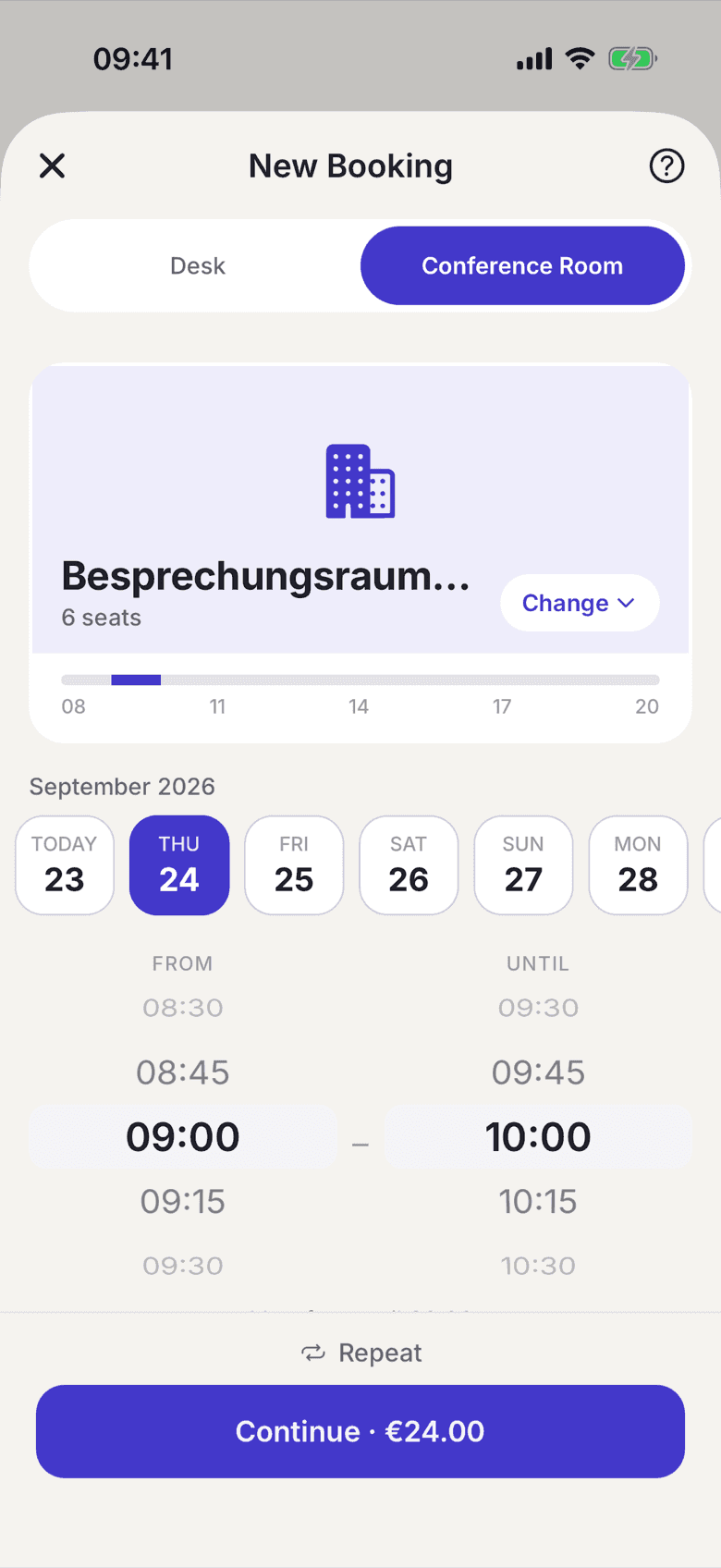
Change on the room card opens the list of all rooms with free/busy for the time you picked. Your time carries over.
You get a confirmation email with a calendar entry. There is no reminder shortly before the booking starts.
What rooms cost
Room pricing depends on the plan your space set up for you. Common arrangements:
- Included with your plan: the room costs you nothing.
- Hourly rate: billed in 15-minute steps.
- Mixed: a number of hours per month is included, the hourly rate applies after that.
The price sits in the continue button before you confirm: either "included" or the amount. Prices are gross, VAT included; if your space is a small business (§ 19 UStG), no VAT is shown.
Changing or cancelling a booking
- Change: tap the booking and choose Edit booking. Once the booking is running you can only move the end. The start is locked.
- Cancel: only whole bookings are cancelled; to shorten one, use Edit booking. A cancelled room booking is not billed.
Recurring bookings
If your space allows series, tap Repeat in the picker and set a rule, for example every week on the same day. Before you confirm, the app shows each occurrence as free, taken or closed; taken ones are skipped, never booked over. A series never reaches further than your space allows bookings; shortly before it ends you are offered the option to extend it.
If nothing is free
- Split your meeting into two shorter sessions.
- Book the day before or after.
- Ask your space admin. Some rooms may be held for special events.