Change your billing address
You maintain it yourself, at any time. Invoices already issued stay unchanged.
The billing address is what appears on your invoices. It does not change by itself when you move.
How to change it
- In your profile open Billing address.
- Tap Edit address.
- Change Name, Company, Street, Postal code, City or Country.
- Tap Save address.
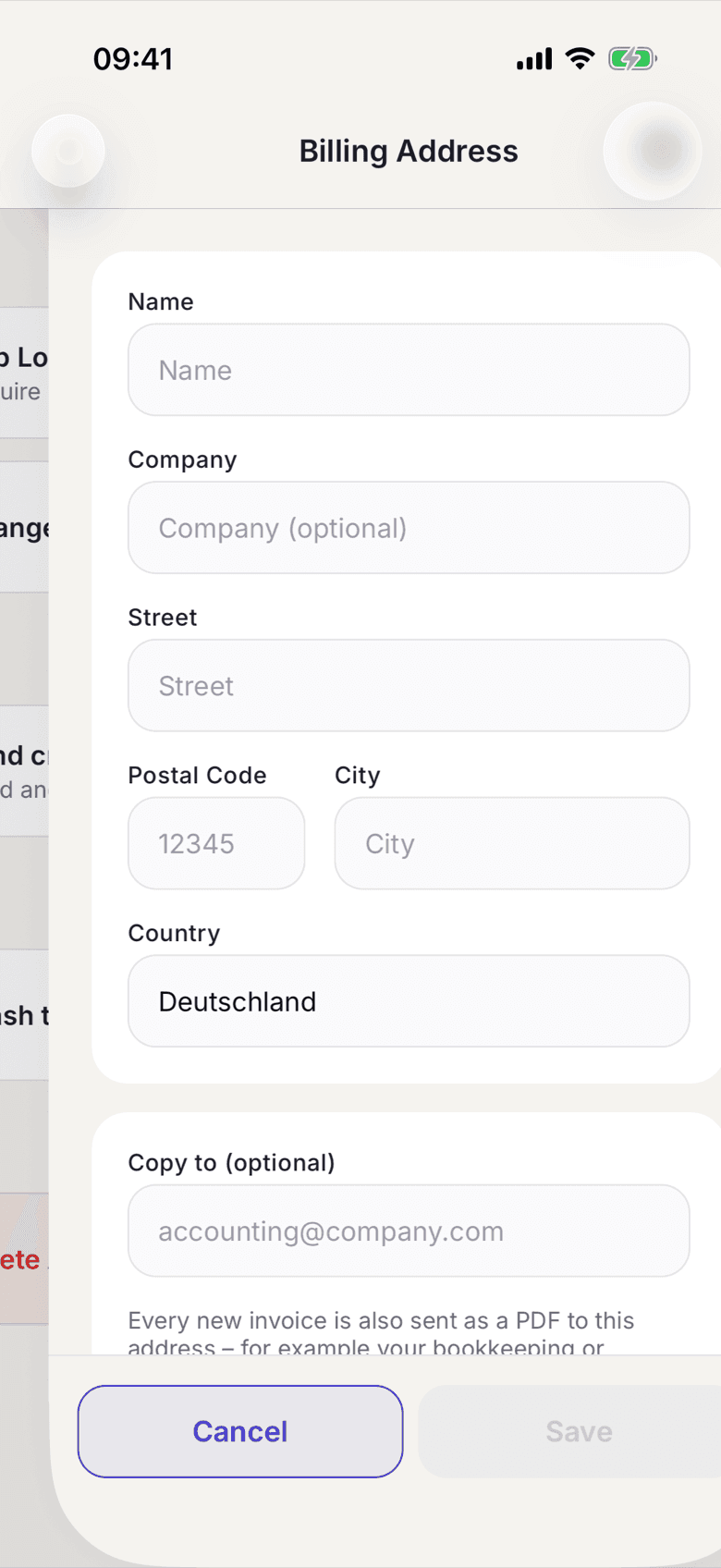
While you type, the app suggests matching addresses. If yours is not among them, enter it in full yourself.
What applies here
- You can change the address at any time. There is no lock.
- Issued invoices keep the name and address that applied when they were issued. They are not adjusted retroactively.
- If the invoice should go to your employer, enter the company name.
- The address belongs to one space.
- The same form holds the field for the copy to your accountant, see Send a copy to your accountant.