Send a copy to your accountant
Enter a second address in your billing address. Every new invoice then also goes there.
If you want, every invoice also goes to a second address, such as your bookkeeping or your accountant.
How to set up the copy
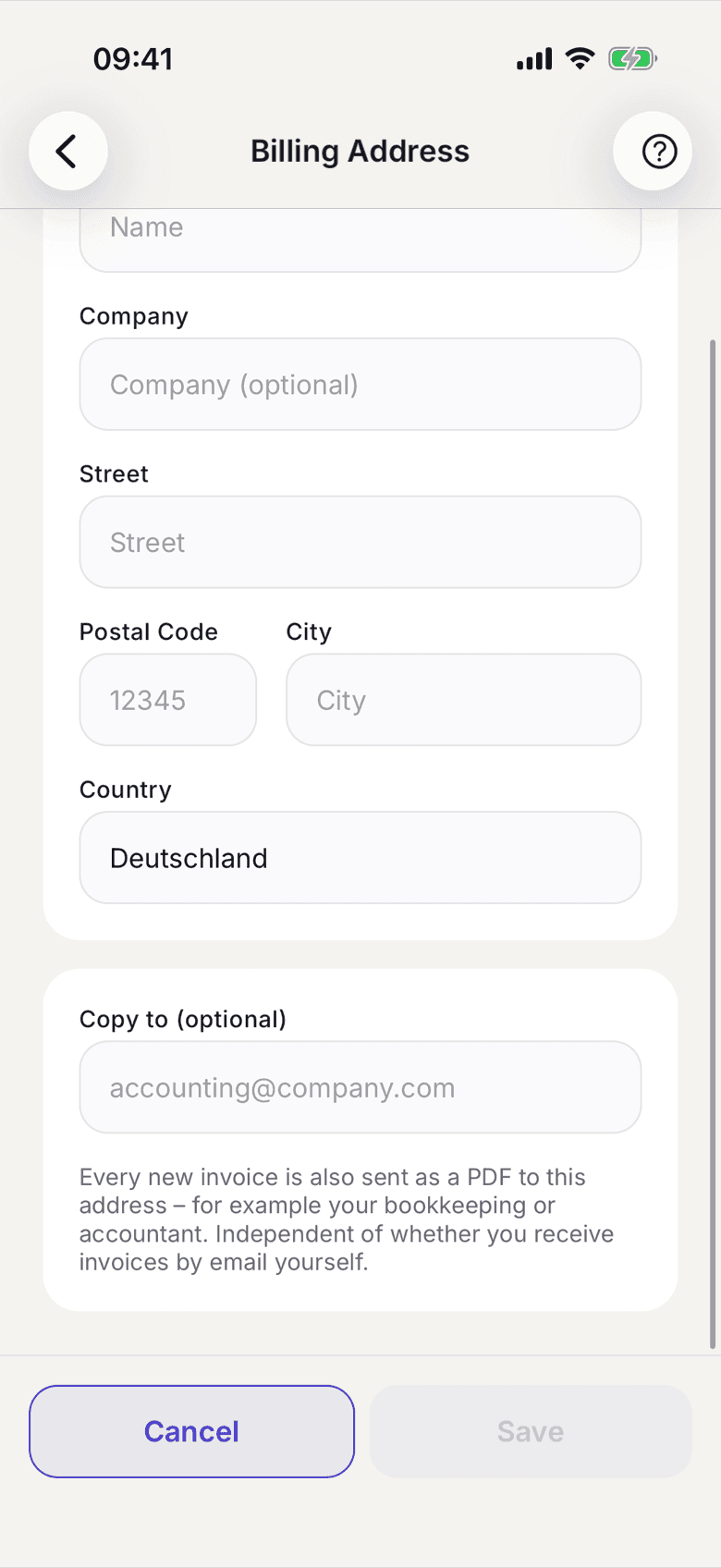
- In your profile open Billing address.
- In the field Copy to (optional) enter the email address you want.
- Tap Save address.
What applies here
- Every new invoice is also sent as a PDF to that address.
- The copy works independently of whether you want invoices by email yourself. It is a standing instruction, not a switch.
- The copy is worded as a copy. It names you and contains no payment request to the recipient.
- An empty field switches the copy off again.
- The address belongs to one space. If you are in several spaces, you enter it in each one.