Find your contract documents
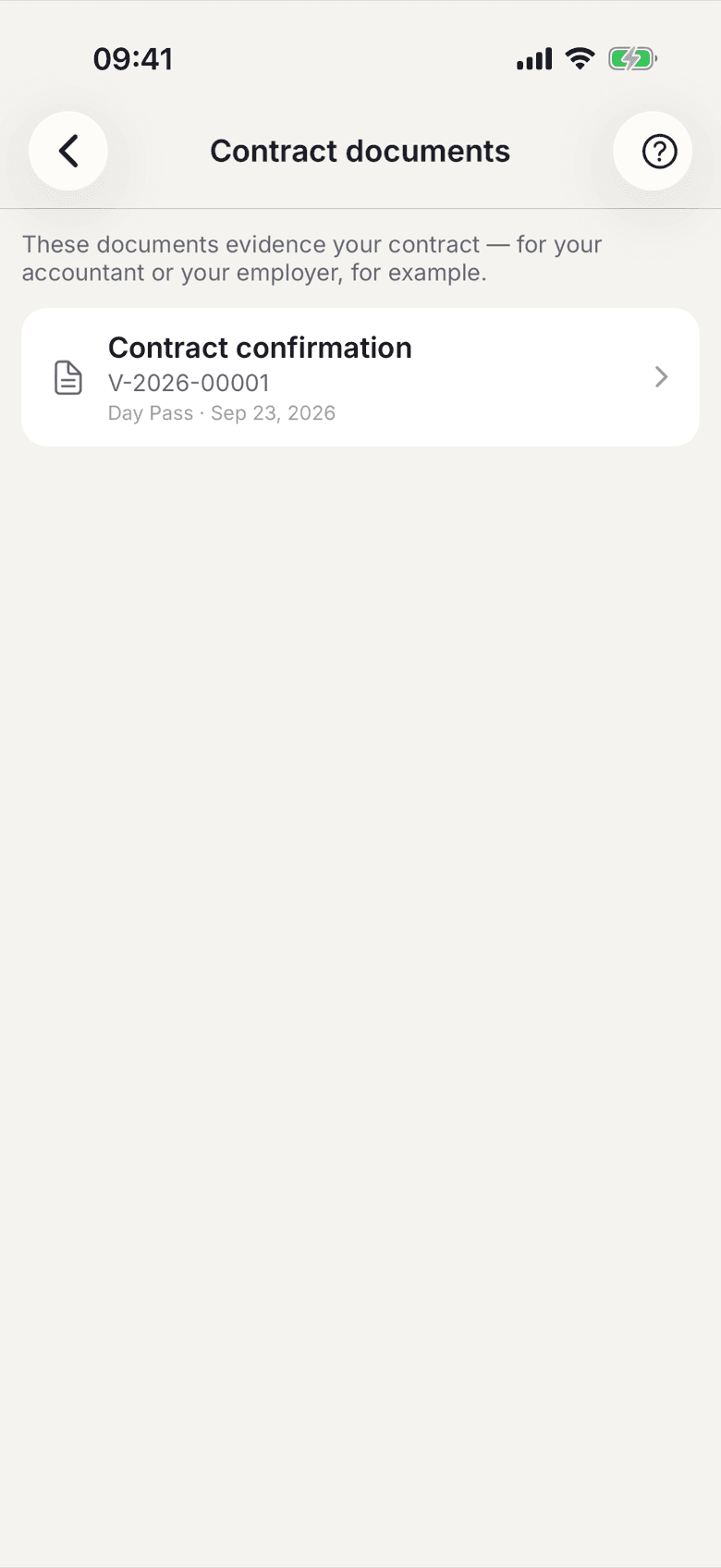
Confirmation, amendment and cancellation confirmation are filed as PDFs in your profile, also after the contract has ended.
These documents record your own contract, unlike the terms and the price list, which are the same for everybody in the space. They are what you hand to your employer or your accountant.
How to find them
- Open your profile.
- Under Contract tap Contract documents.
- Tap the document you want. It opens as a PDF and can be shared.
Which documents exist
| Document | Created | |---|---| | Contract confirmation | when your contract is approved | | Contract amendment | on every plan change | | Cancellation confirmation | when your contract ends |
What applies here
- The documents stay available after the contract has ended.
- They are frozen. Whatever applied when they were issued is what they say, even if the plan changes later. The prices in them are gross.
- If your contract predates selfdesk, a document for today's conditions is created the first time you open the list. Older states are not reconstructed.
- A withdrawn plan change stays in the list as an amendment marked Withdrawn. The next amendment keeps counting up.