Add past days
If you were there but did not check in, you add the day yourself. It lands on the next invoice.
A forgotten check-in does not count. So that your space still sees the day and can bill it, you add it afterwards.
How to add days
- In your profile open Billing.
- Under Unbilled Past Days tap Register Past Days.
- In the calendar tap the days you were there. Days already registered are marked and cannot be picked.
- Tap Register … days.
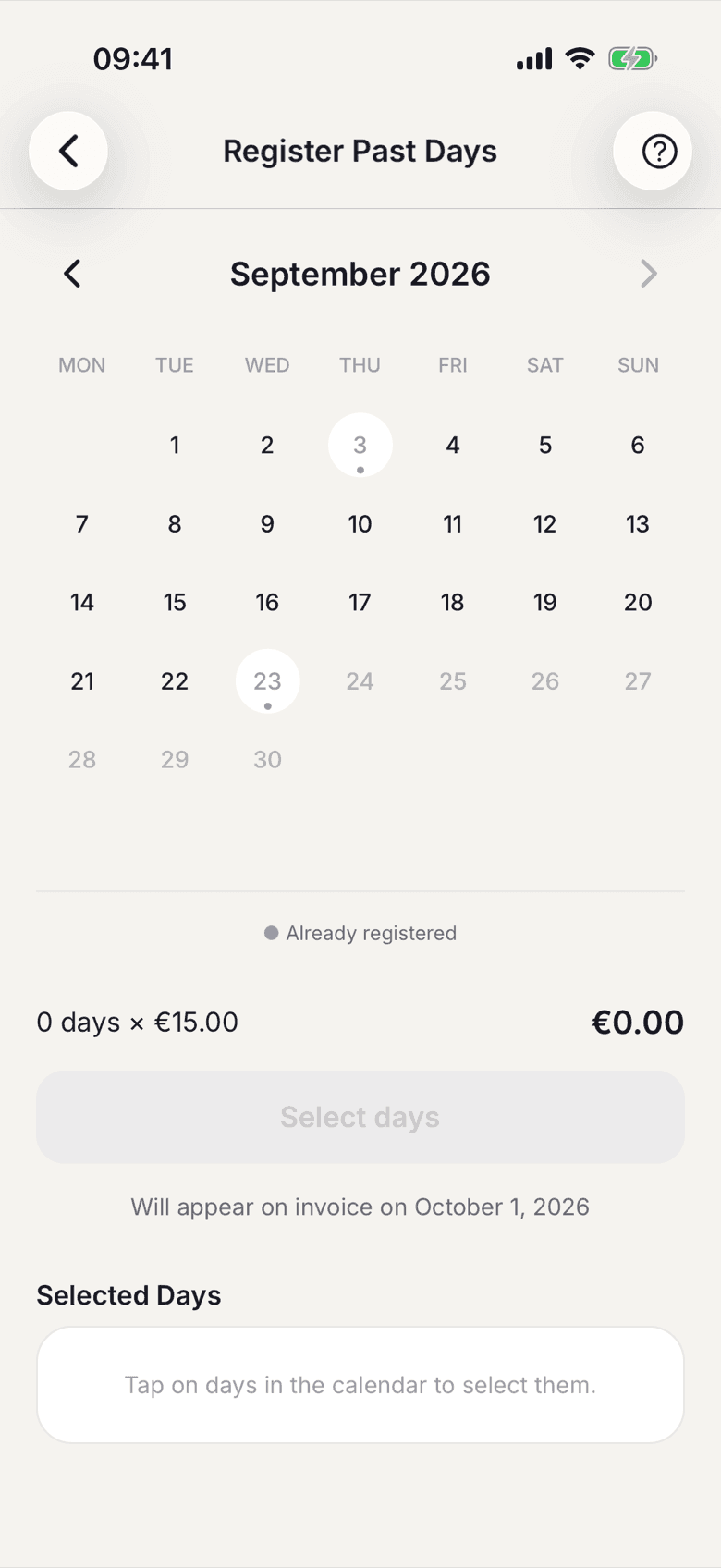
Below the selection it says which invoice the days will arrive on.
What applies here
- Added days count like a normal check-in. If they fit in your allowance, they cost nothing extra.
- They are billed with the next invoice, not immediately.
- If you are a seat in a company contract and not the billing contact, the list stays empty. Your days are picked up by the company's month-end run.
- Days already on an invoice cannot be added again.